The Best Way to Send PDFs to Kindle Without Email
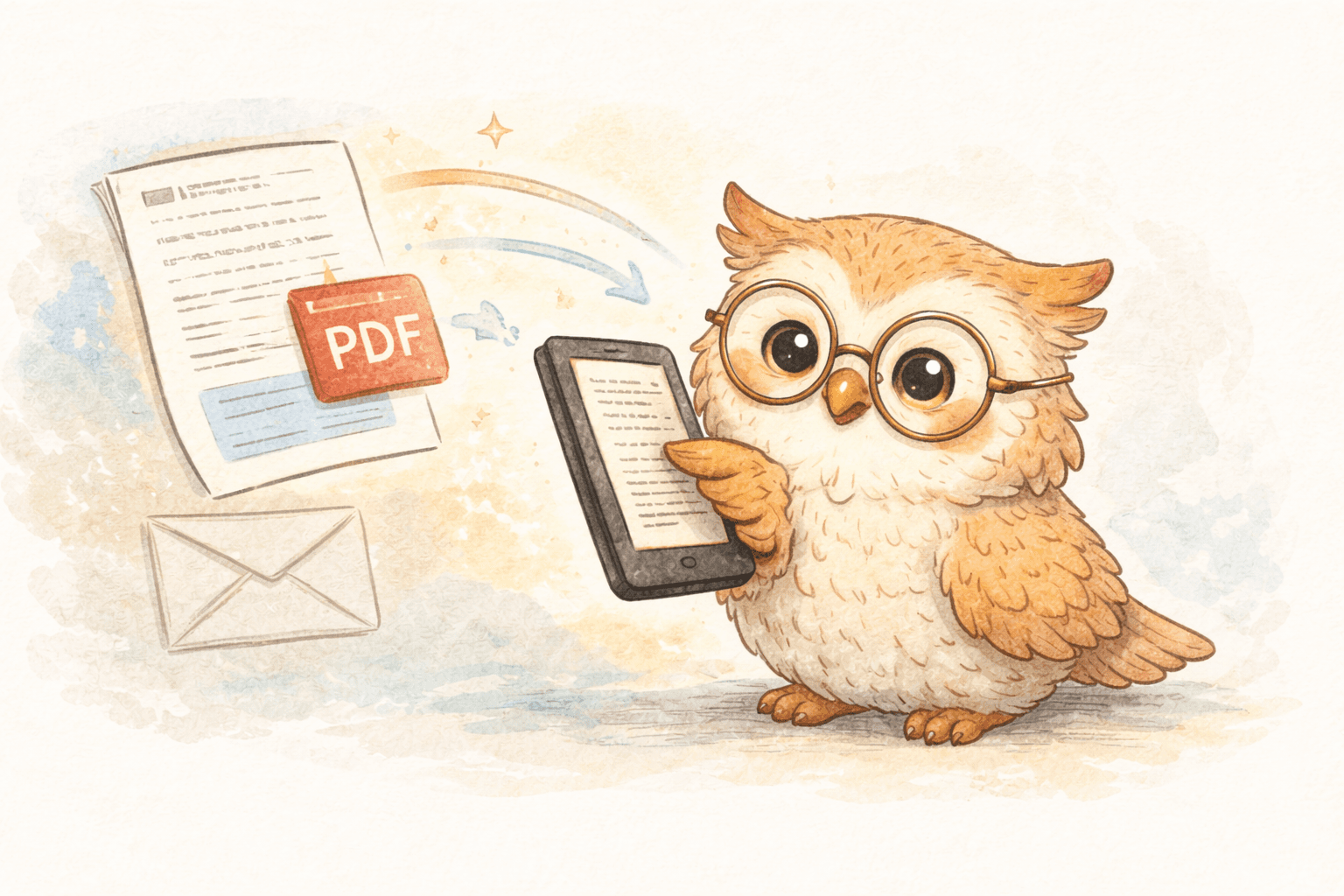
📄 How to Send PDFs to Your Kindle Without Email
(and actually manage what you read)
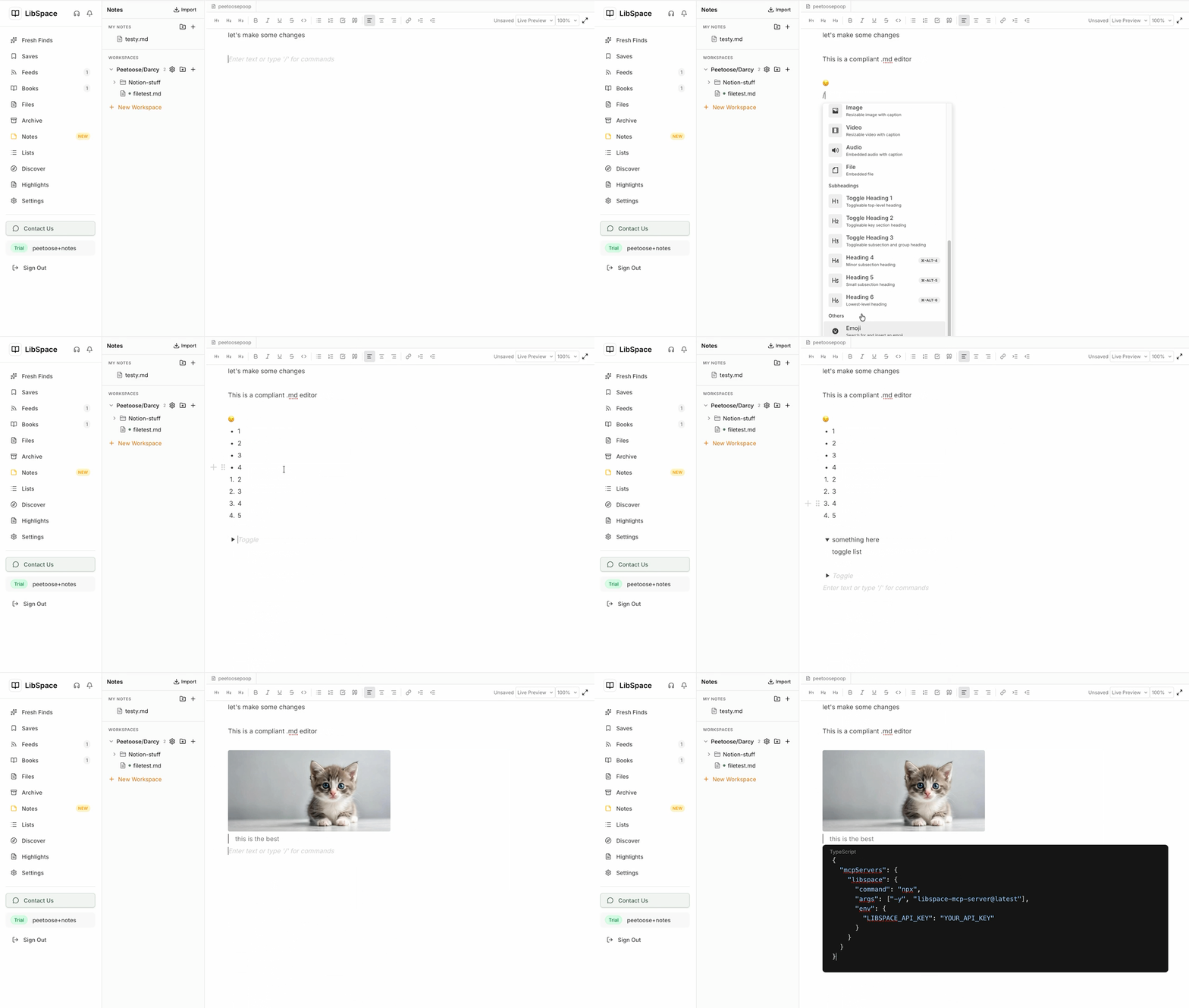
You find a great research paper, a long article, or an important document and want it on your Kindle so you can read it without distractions. The default solution—emailing files to your Kindle address—still works, but it’s slow, awkward, and increasingly out of step with how people read and manage information today.
The bigger problem isn’t just sending files. It’s what happens after. Most people have no central place to manage what they’ve sent, no backup of non-DRM files, and no easy way to organize everything they read across devices.
Modern cloud-based tools solve both problems at once.
❌ Why Email Is the Wrong Starting Point in 2025
Amazon’s Send-to-Kindle email service was designed as a basic delivery mechanism, not a content management system. Its limitations show quickly:
- ⏳ Delivery time varies with email providers
- 🧠 Sending files is manual and repetitive
- 🔍 No visibility into what you’ve sent unless it’s on your device
- 🗂️ No real organization, backup, or cross-device library view
Email treats documents as disposable attachments. Modern reading workflows treat them as long-lived knowledge assets.
☁️ The Real Upgrade: Cloud Delivery plus File Management
Browser-based cloud tools like LibSpace improve Kindle delivery, but the bigger shift is this:
Your e-reader becomes a reading surface — not the source of truth.
Instead of files living only on a single Kindle:
- 📚 Documents are stored, backed up, and managed centrally
- 🔁 You can re-send or re-format content at any time
- 🧭 You get a full history of what you’ve saved and read
- 🔄 Switching devices doesn’t mean losing your library
This is especially valuable for PDFs, articles, research papers, and newsletters that aren’t Amazon purchases.
⚡ Browser Extensions: The Most Practical Way to Send Content
The fastest way to get content onto a Kindle without email is through a browser extension that connects directly to your e-reader via the cloud.
The workflow is simple:
- You’re already reading something in your browser
- 🖱️ One click sends it to your Kindle
- 📖 The document appears minutes—or seconds—later
But the real benefit comes after delivery.
🦉 Why LibSpace Works Well for E-Reader Users
LibSpace is designed around e-readers rather than generic “read-it-later” use, which shows up in three key areas:
1️⃣ Speed & Formatting
- ⚡ Faster delivery than email
- 🖨️ Content optimized specifically for e-ink displays
- 📄 PDFs, articles, and newsletters cleaned up for readability
2️⃣ Centralized File Management
LibSpace acts as a permanent library for your non-DRM reading material:
- 🗄️ Everything you send is stored in one place
- ☁️ Files are backed up automatically
- 🔄 Re-send content even if it’s no longer on your device
- 🔁 Switching e-readers doesn’t mean starting over
For researchers, students, and heavy readers, this alone is a major upgrade over email or USB transfer.
3️⃣ One Library, Multiple Devices
Your e-reader becomes just one destination:
- 📱 Send content to Kindle, Boox, or any e-reader that syncs with Google Drive or Dropbox
- 🔍 Keep a searchable history of everything you've read
- 🚫 Avoid duplicate downloads and manual file tracking
LibSpace integrates directly with Kindle and Boox devices for instant sync. Plus, if your e-reader supports Google Drive or Dropbox (like Supernote, PocketBook, or others), LibSpace works with those too.
DRM-protected Kindle purchases still live with Amazon—but everything else finally has a proper home.
🆚 How This Compares to Other Methods
🔌 Manual USB Transfer
- ✅ Free
- ❌ Slow and tedious
- ❌ No backup unless you manage it yourself
- ❌ Poor fit for frequent reading
☁️ Generic Cloud Storage (Dropbox, etc.)
- ✅ Good for raw storage
- ❌ Not optimized for reading or formatting
- ❌ Extra steps to get content onto Kindle
- ✅ Works
- ❌ No organization or history
- ❌ No real management layer
- ❌ Increasingly outdated
Browser-based cloud tools combine delivery, formatting, and library management in a way none of the other options do.
🧠 Why File Management Matters More Than You Think
Most people don’t just read articles once. They:
- 🔁 Revisit research papers
- 📝 Highlight and annotate passages
- 📚 Reference material later by topic or project
When files only live on a Kindle, they’re fragile.
When they live in a central cloud library:
- 🔍 Your reading history becomes searchable
- 🔐 Your files are safe if a device fails
- 🧩 Reading fits into a broader knowledge workflow
This is where modern tools quietly outperform every email-based approach.
🎯 Who This Approach Is Best For
Cloud-based delivery and library management make the most sense if you:
- 📄 Read long-form articles regularly
- 🔬 Work with PDFs or research papers
- 📘 Use an e-reader as a primary reading device
- ☁️ Want your reading material backed up and organized
- 🔄 Use more than one e-reader (or plan to)
If you send one PDF every few months, email is fine.
If reading is part of how you work or learn, email quickly becomes a liability.
✅ Final Takeaway
The real question isn’t:
“How do I send PDFs to my Kindle without email?”
It’s:
“Where do my reading files live, and how do I manage them over time?”
Modern cloud-based tools answer both questions. They make delivery faster, formatting better, and—most importantly—turn scattered files into a durable, searchable library.
📖 Your Kindle becomes a place to read.
🗂️ Your library becomes something you actually control.
And that difference adds up.
Darcy Reno
Founder of LibSpace. 25+ years in technology leadership across the media and entertainment industry — including roles at Constellation Software, Electronic Arts, and Technicolor, and working alongside studios like DreamWorks Animation, Disney, and Nickelodeon. A passionate reader, Darcy built LibSpace to bridge the gap between online content and e-readers, with a focus on long-form articles, research, and journalism.
Try LibSpace Free for 30 Days
Send articles, documents, and web pages to your e-reader in seconds. No credit card required.