Turn Your Boox Into a Smart Reading Hub: Guide to Syncing Articles
📱 Turn Your Boox Into a Smart Reading Hub (Not Just an E-Reader)
You find great articles all the time—long essays, research papers, thoughtful blog posts. You bookmark them, save them to a read-it-later app, or promise yourself you’ll come back later. Most of the time, you don’t.
The problem isn’t discovering content. It’s actually reading it.
Phones and laptops are terrible places for deep reading. Notifications, tabs, and endless scrolling kill focus. E-ink devices like Onyx Boox are built to solve that problem—but only if getting content onto them is fast and frictionless.
With the right workflow, your Boox can become a personal, intelligent reading hub that pulls in content from the web and delivers it where you actually want to read.
📚 Why Boox Devices Deserve Better Content Delivery
Boox devices are among the most capable e-readers available. They’re Android-based, support many file formats, integrate with cloud services, and handle annotation and note-taking well.
Yet many users still rely on clumsy workflows:
- USB cables and manual file transfers
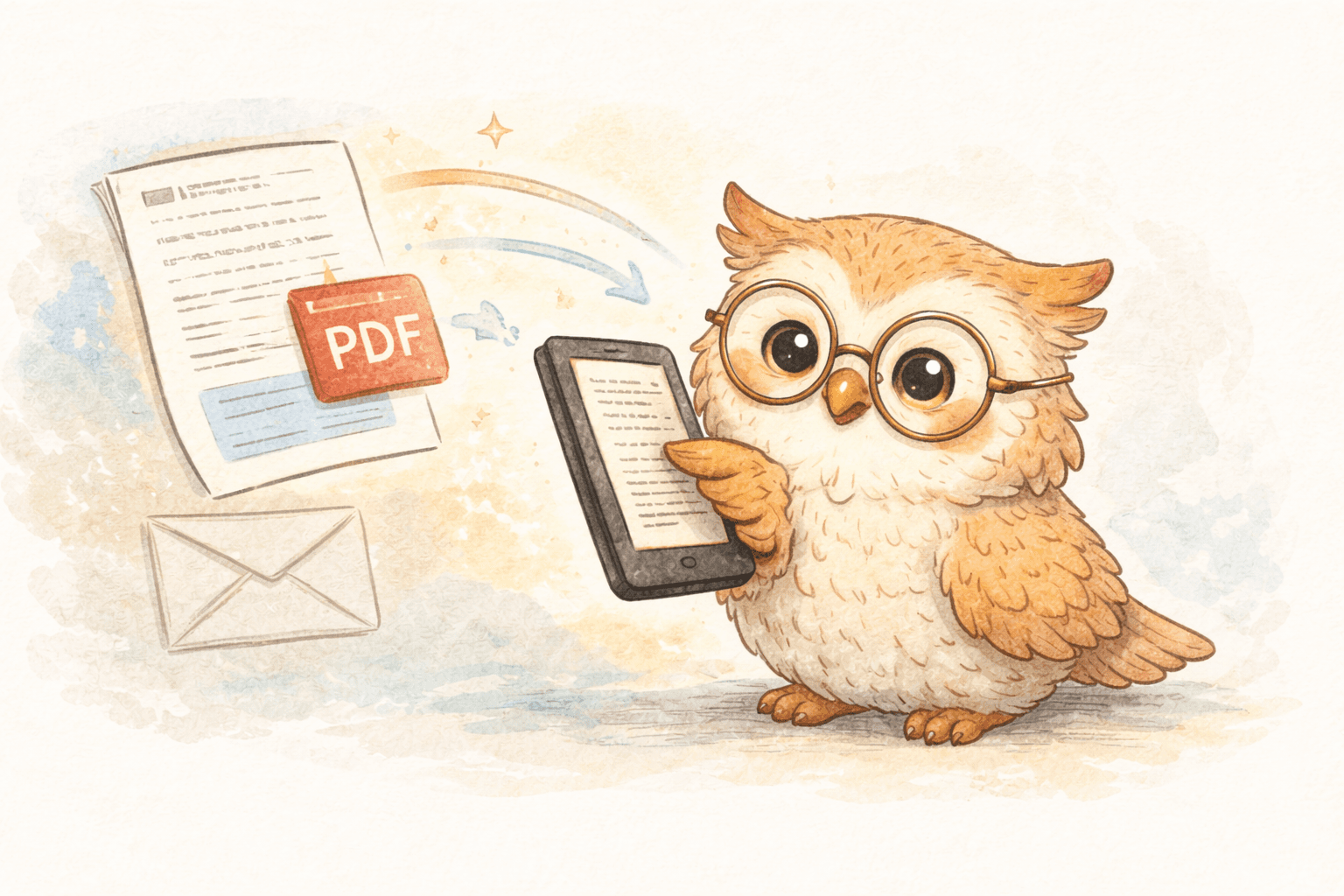
- Emailing articles and hoping formatting works
- Reading inside apps that weren’t designed for e-ink
Each option adds friction. Over time, that friction trains you not to read.
The limitation isn’t the device—it’s the content pipeline.
❌ Traditional Ways of Getting Content Onto Boox
Most Boox users try one or more of these methods:
USB Transfers
Download a file, plug in a cable, manage folders manually.
Pros: Free, full control
Cons: Slow, outdated, no backup, breaks reading momentum
Email-to-Device
Forward content to an email address and wait for conversion.
Pros: Familiar
Cons: Inconsistent formatting, slow delivery, limited formats
Generic Cloud Storage
Use Dropbox or Google Drive to sync files.
Pros: Backup and persistence
Cons: Manual organization, poor handling of web articles, extra steps
All of these approaches treat reading material as files, not as part of a reading workflow.
⚡ The Better Model: One Click → Cloud → Boox
Modern e-reader-optimized tools take a different approach:
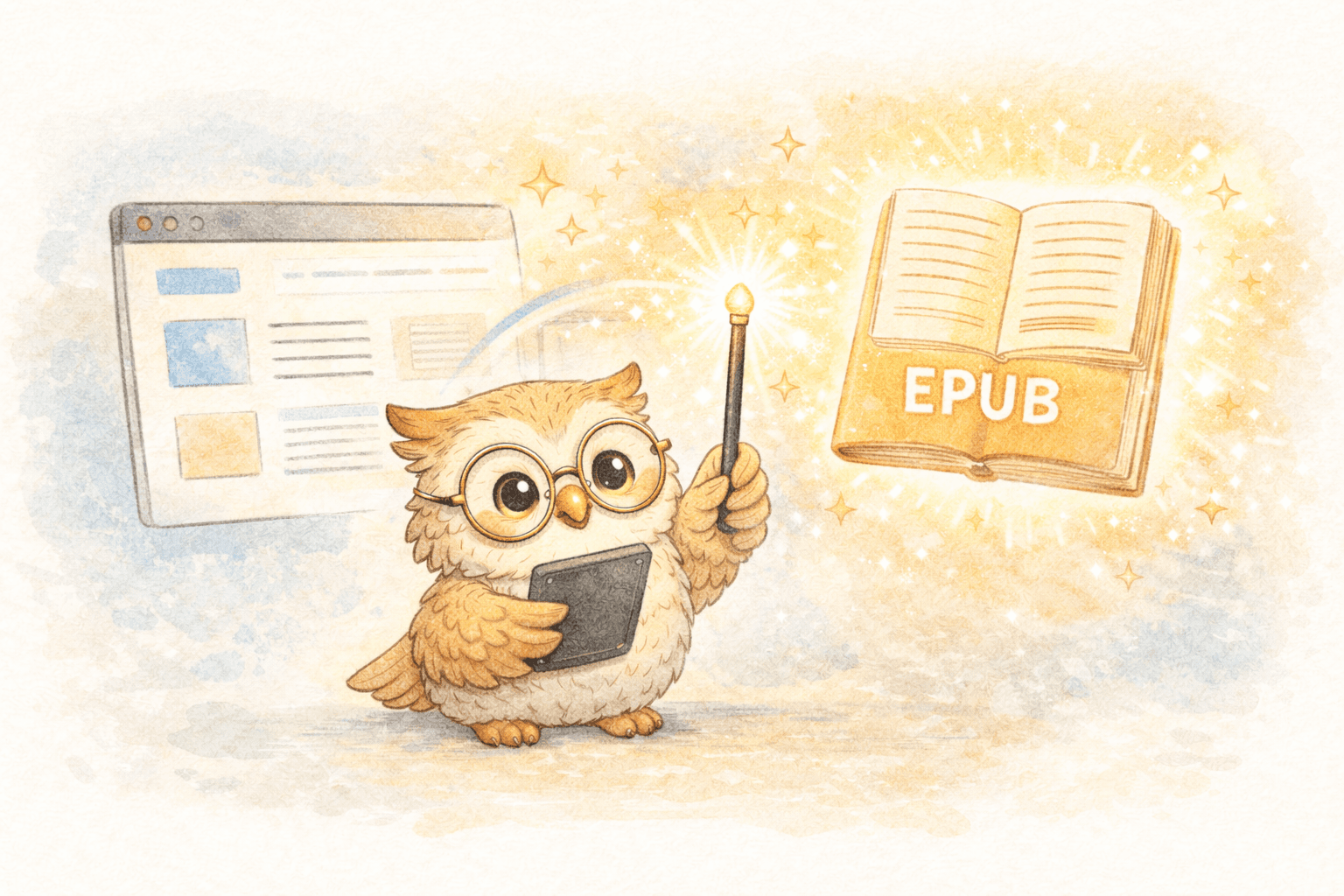
Web discovery → one click → cloud processing → instant delivery → focused reading
This removes almost all friction:
- No cables
- No downloads
- No file juggling
- No waiting around
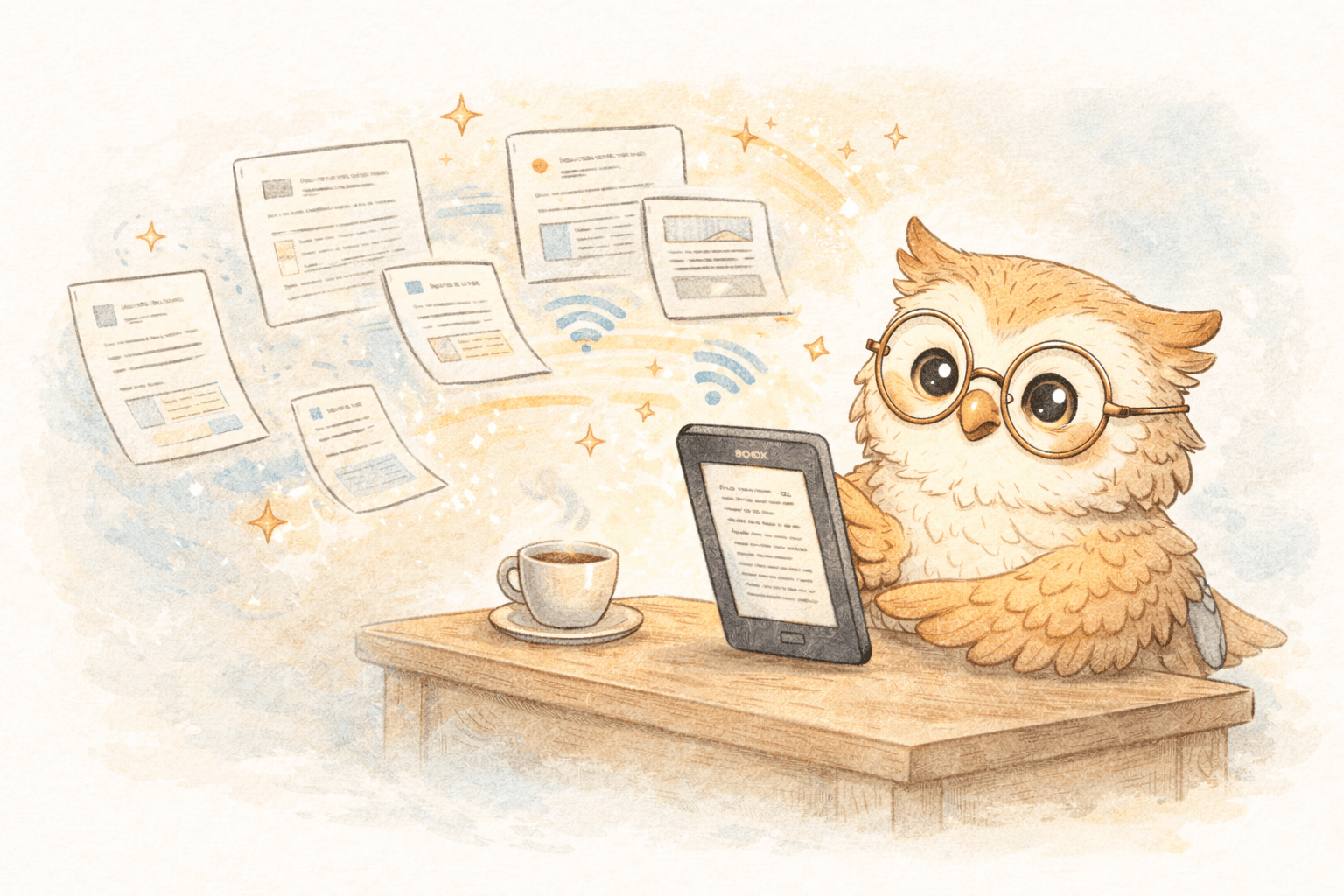
You’re already reading something in your browser. You click once. The article appears on your Boox within seconds or minutes, cleanly formatted for e-ink.
🦉 Why Cloud Tools Work Better for Boox Users
Cloud-based e-reader tools offer benefits that go beyond speed.
1️⃣ Fast, Reliable Delivery
For Boox devices, cloud sync is extremely fast—often under 30 seconds. That speed matters more than you might expect. When content arrives quickly, reading feels inevitable instead of optional.
2️⃣ E-Ink-Optimized Formatting
Web pages are noisy. Sidebars, ads, and layout quirks don’t belong on an e-reader.
Good tools:
- Strip away clutter
- Optimize font size and spacing
- Preserve structure for PDFs and research papers
The result is content that feels like it was meant to be read on e-ink.
3️⃣ Centralized File Management (The Hidden Superpower)
This is the biggest upgrade most people don’t anticipate.
Email and USB transfers leave you with no durable library. Files live on a single device. Lose it, reset it, or upgrade—and your reading history disappears.
Cloud-based tools provide:
- ☁️ A permanent backup of non-DRM content
- 🗂️ A single place to manage everything you’ve sent
- 🔄 The ability to re-send content to any device
- 🔍 A searchable history of what you’ve read
Your Boox becomes a reading surface, not the source of truth.
4️⃣ One Library, Multiple Devices
Many people use more than one e-reader—or switch devices over time.
With a centralized library:
- The same content can go to Boox, Kindle, or any e-reader that syncs with Google Drive or Dropbox
- You don't have to re-download or re-send files
- Your reading history survives hardware changes
LibSpace integrates directly with Kindle and Boox devices for instant sync. Plus, if your e-reader supports Google Drive or Dropbox (like Supernote, PocketBook, or others), LibSpace works with those too.
DRM purchases still live with Amazon or vendors—but everything else finally has a proper home.
🧠 Reading as Part of a Knowledge Workflow
Reading doesn’t end when you finish an article.
For many people, it’s about:
- Highlighting key passages
- Annotating ideas
- Exporting notes to Notion, Obsidian, or Readwise
A good Boox workflow closes the loop:
Discovery → Saving → Reading → Annotation → Knowledge
This turns your e-reader from a passive consumption device into an active part of how you think and learn.
🎯 Who This Workflow Is For
This approach makes the most sense if you:
- 📄 Read long-form articles regularly
- 🔬 Work with PDFs or research papers
- 📘 Use a Boox as a primary reading device
- ☁️ Want your reading material backed up and organized
- 🔄 Switch devices or use more than one e-reader
If you send one article every few months, simpler methods are fine. If reading is part of your work or learning, friction adds up fast.
✅ The Real Takeaway
The real question isn’t:
“How do I get articles onto my Boox?”
It’s:
“How do I build a system where the things I save actually get read—and don’t disappear?”
Modern cloud-based workflows answer that question. They make saving effortless, delivery fast, formatting clean, and your reading library durable over time.
📖 Your Boox becomes a place for deep reading.
🗂️ Your content becomes organized, backed up, and reusable.
And that’s what finally turns good intentions into real reading habits.
Darcy Reno
Founder of LibSpace. 25+ years in technology leadership across the media and entertainment industry — including roles at Constellation Software, Electronic Arts, and Technicolor, and working alongside studios like DreamWorks Animation, Disney, and Nickelodeon. A passionate reader, Darcy built LibSpace to bridge the gap between online content and e-readers, with a focus on long-form articles, research, and journalism.
Try LibSpace Free for 30 Days
Send articles, documents, and web pages to your e-reader in seconds. No credit card required.