Convert Web Articles to EPUB for E-Readers Instantly
📚 Convert Web Articles to EPUB for E-Readers — Instantly
There’s nothing quite like settling into a comfortable chair with an e-reader and reading without distractions. No notifications. No glare. Just focused, long-form reading.
The problem? Most of the content you want to read lives on the web — not in a format designed for e-ink devices.
Articles, essays, research papers, and newsletters are built for browsers, not e-readers. Getting them onto your device usually means downloading files, cleaning up formatting, converting formats, and transferring documents manually.
It shouldn’t be that hard.
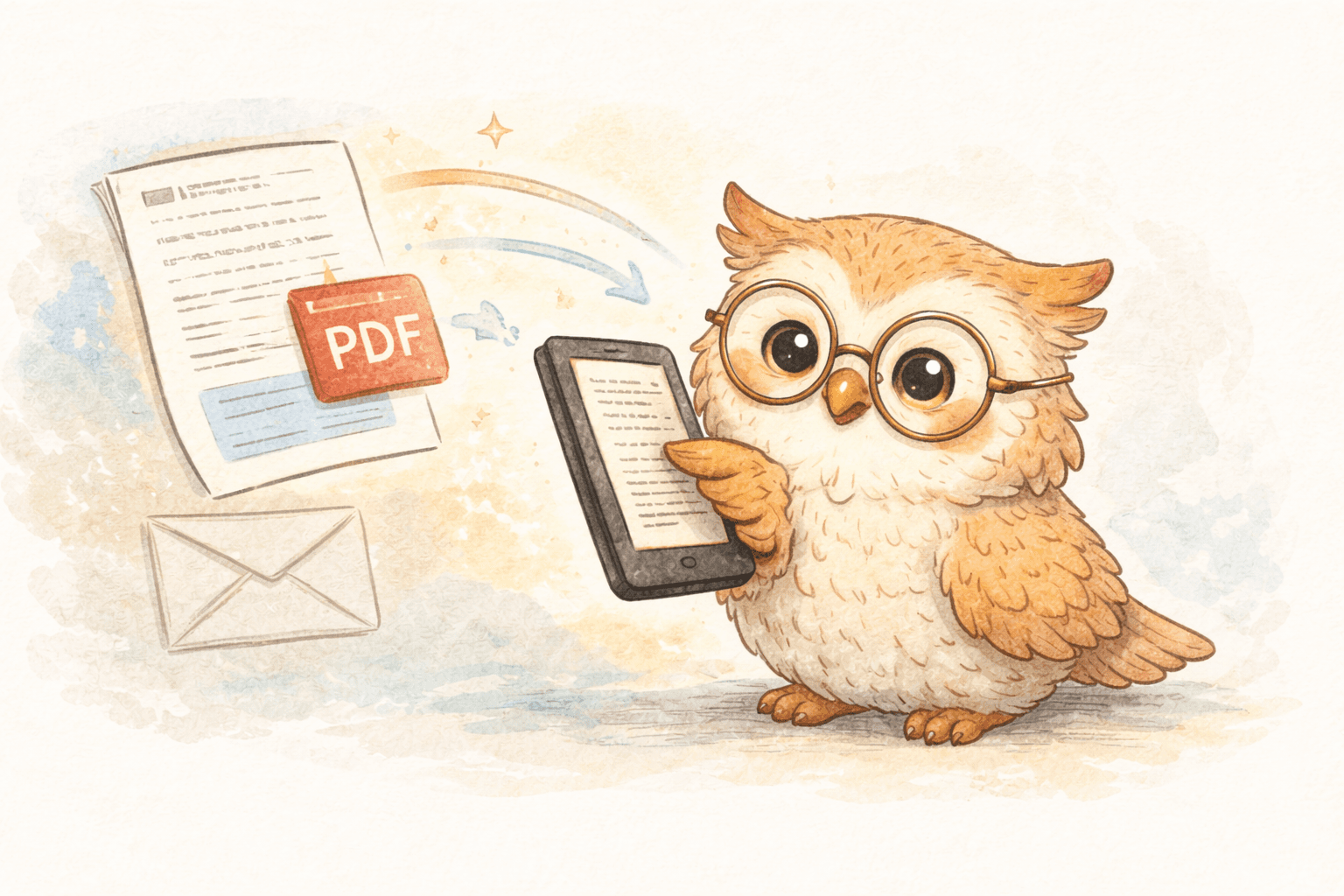
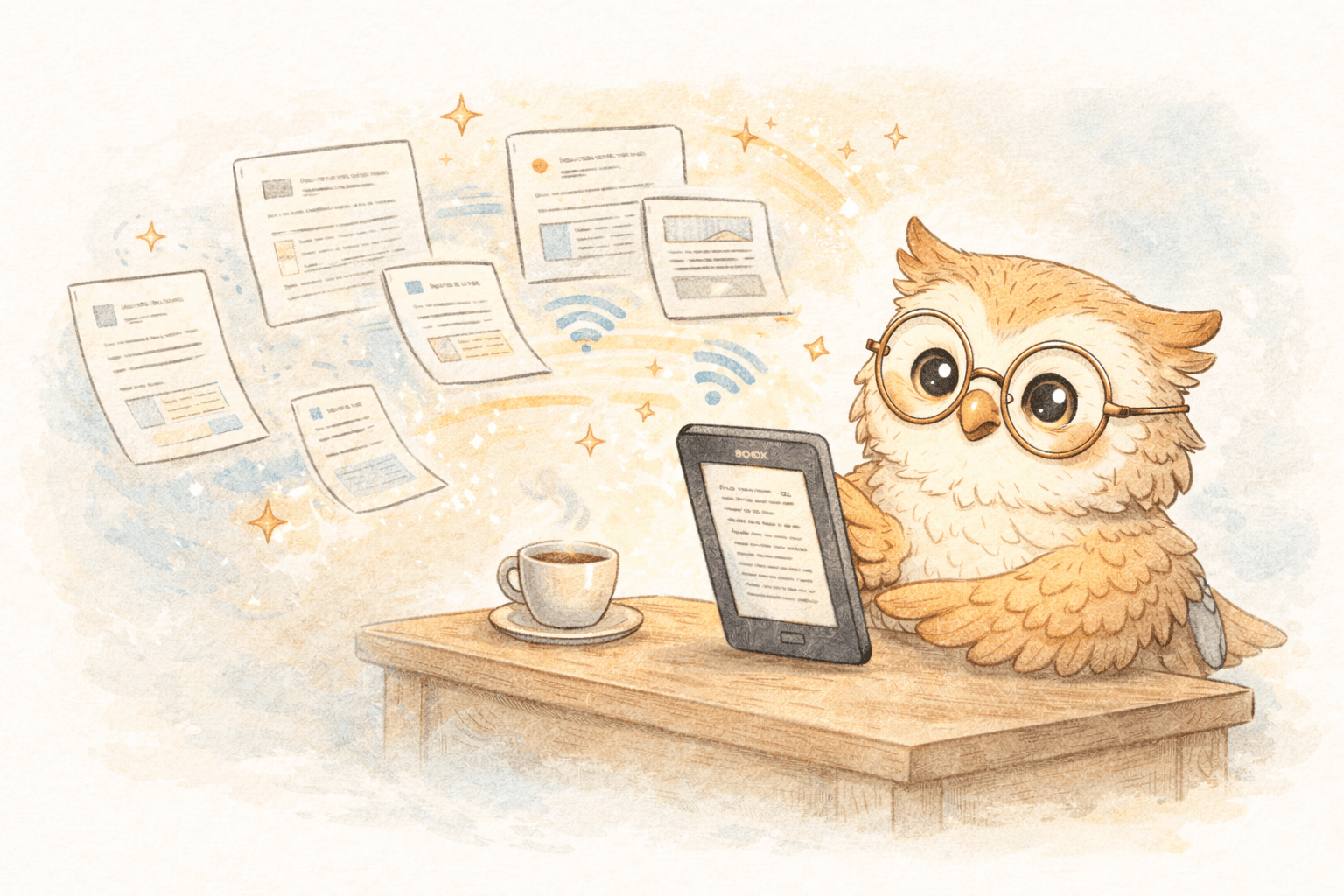
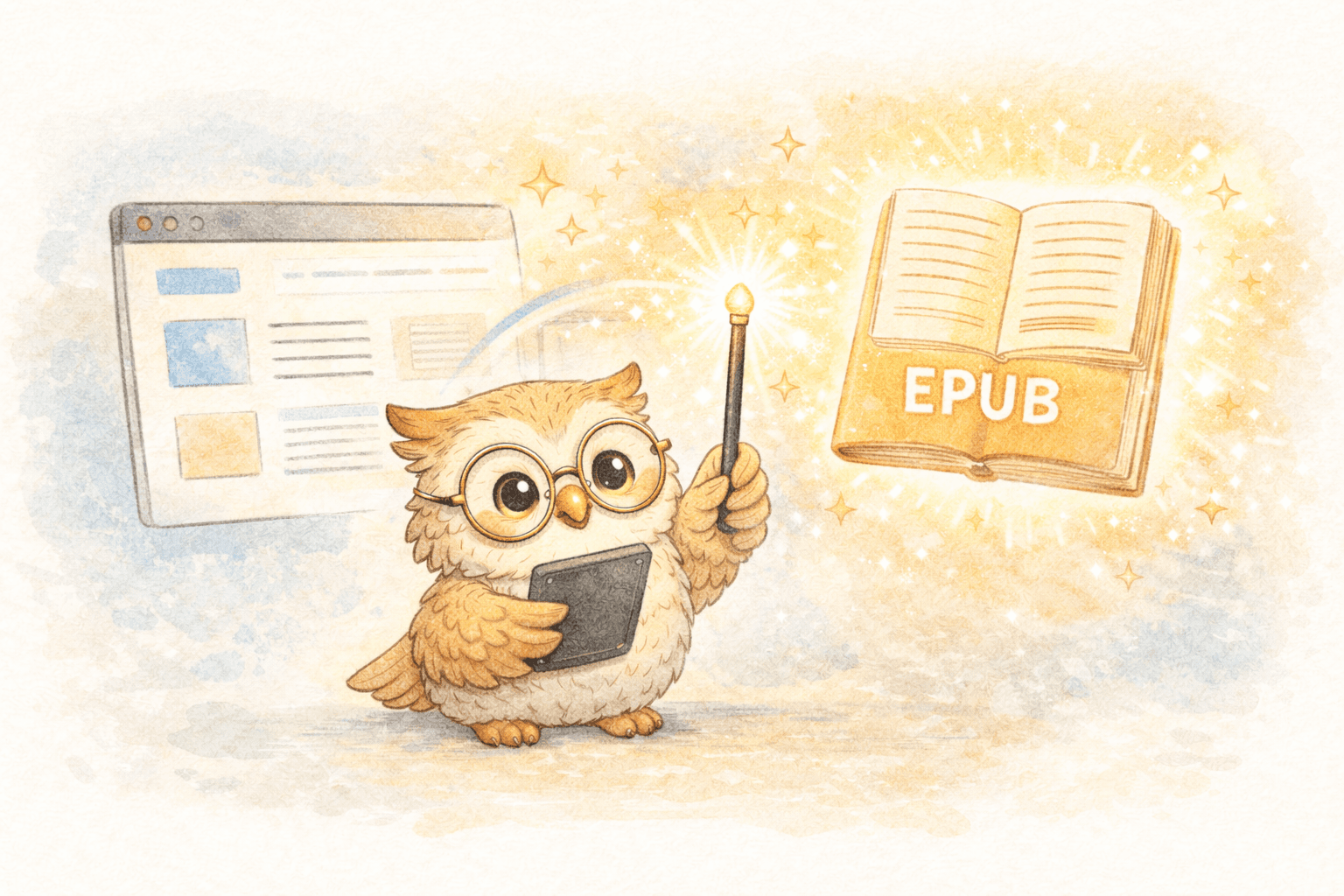
With the right workflow, you can convert web articles to EPUB instantly and have them delivered to your e-reader in seconds — clean, readable, and ready for deep focus.
🎯 Why EPUB Is the Right Format for E-Readers
EPUB isn’t just another file type — it’s the format e-readers were built for.
Compared to PDFs or raw web pages, EPUB offers:
- Reflowable text that adapts to screen size and font preferences
- Smaller file sizes, which means faster loading and better battery life
- Native support across Boox, Kindle, and most modern e-readers
- E-ink-friendly rendering with proper spacing, contrast, and typography
- Portability, without the restrictions of proprietary formats
PDFs preserve layout. EPUB preserves readability — and that matters on e-ink.
❌ Why Web Articles Don’t Belong on Browsers (or Phones)
Web articles are noisy by design:
- Ads, pop-ups, and sidebars
- Infinite scrolling
- Layouts optimized for large screens
- Constant interruptions
Reading long-form content in a browser almost guarantees distraction. Reading it on a phone guarantees eye strain.
E-readers solve the reading problem — but only if content gets there cleanly.
⚠️ The Friction of Traditional Conversion Methods
If you’ve tried converting articles manually, you already know the pain:
- Finding a converter
- Copying content
- Cleaning up ads and formatting
- Fixing images and tables
- Renaming files
- Transferring to your device
That friction adds up — and eventually trains you not to save articles at all.
Older read-it-later tools didn’t solve this either. Most were designed for mobile apps and web dashboards, with e-readers treated as an afterthought.
⚡ The Modern Model: One Click → EPUB → E-Reader
The best workflows today follow a simple pattern:
Web discovery → one click → cloud conversion → instant delivery
This approach removes friction entirely:
- No downloads
- No cables
- No manual file handling
- No waiting
You find an article. You click once. It shows up on your e-reader moments later — formatted specifically for e-ink.
🦉 Where LibSpace Fits In
LibSpace is built specifically to make article-to-EPUB conversion effortless for e-reader users.
It’s not a generic clipper. It’s an e-reader-first pipeline.
What LibSpace Does Well
Instant conversion
- Web articles are extracted, cleaned, and converted automatically
- EPUB output optimized for e-ink displays
Fast delivery
- Boox devices: often under 30 seconds
- Kindle devices: typically 1–2 minutes
Broad content support
- Web articles and blogs
- PDFs and documents
- Email newsletters
- Research papers (including direct arXiv and medRxiv imports)
No setup friction
- Install the browser extension
- Connect your device
- Click once to send
🗂️ The Hidden Upgrade: File Management & Backup
EPUB conversion isn’t just about format — it’s about control.
Emailing files or using USB transfers leaves content scattered across devices. Lose a device or switch hardware, and your reading history disappears.
LibSpace provides:
- A central library for your non-DRM reading material
- Permanent cloud backup
- The ability to re-send content to any device
- A searchable history of what you’ve saved and read
Your e-reader becomes a reading surface — not the source of truth.
That’s a massive upgrade for anyone who reads regularly.
🧠 Reading as Part of a Knowledge Workflow
Reading doesn’t stop at “finished.”
LibSpace supports workflows where:
- You highlight and annotate on your e-reader
- Highlights sync to tools like Notion, Readwise, or Google Docs
- Reading feeds directly into learning and thinking
This turns article conversion into part of a closed knowledge loop: Discover → Convert → Read → Annotate → Retain
👤 Who This Is For
LibSpace is a strong fit if you:
- Read long-form articles regularly
- Use any e-reader for focused reading (Kindle, Boox, Supernote, PocketBook, or others)
- Work with research papers or technical content
- Subscribe to newsletters you want to actually finish
- Want your reading material backed up and organized
- Care about building a real reading habit
LibSpace integrates directly with Kindle and Boox devices for instant sync. Plus, if your e-reader supports Google Drive or Dropbox, LibSpace works with those too—making it compatible with virtually any e-reader.
If you convert one article every few months, manual tools might be enough. If reading is part of how you work or learn, friction matters.
✅ The Takeaway
The question isn’t:
“Can I convert web articles to EPUB?”
It’s:
“Can I do it fast enough that I actually read what I save?”
Modern tools like LibSpace make the answer yes.
One click. Clean EPUB. Instant delivery.
No distractions. No lost files. No broken workflows.
🚀 Get Started
LibSpace offers a 30-day free trial (no credit card required), so you can test it with the articles you already want to read.
Install the extension, send your next article, and experience what web reading feels like when it’s built for e-ink.
Your backlog — and your eyes — will thank you.
Darcy Reno
Founder of LibSpace. 25+ years in technology leadership across the media and entertainment industry — including roles at Constellation Software, Electronic Arts, and Technicolor, and working alongside studios like DreamWorks Animation, Disney, and Nickelodeon. A passionate reader, Darcy built LibSpace to bridge the gap between online content and e-readers, with a focus on long-form articles, research, and journalism.
Try LibSpace Free for 30 Days
Send articles, documents, and web pages to your e-reader in seconds. No credit card required.