How to Read Articles on Kindle Without Eye Strain: The E-Ink Solution
👀 How to Read Articles Without Eye Strain — and Actually Keep What You Read
If you read a lot online, eye strain isn’t a possibility — it’s inevitable.
Smartphones and laptops were never designed for long-form reading. They’re bright, distracting, and optimized for scanning, not focus. Over time, that shows up as tired eyes, headaches, and reading fatigue that makes “just one more article” feel impossible.
There is a better way.
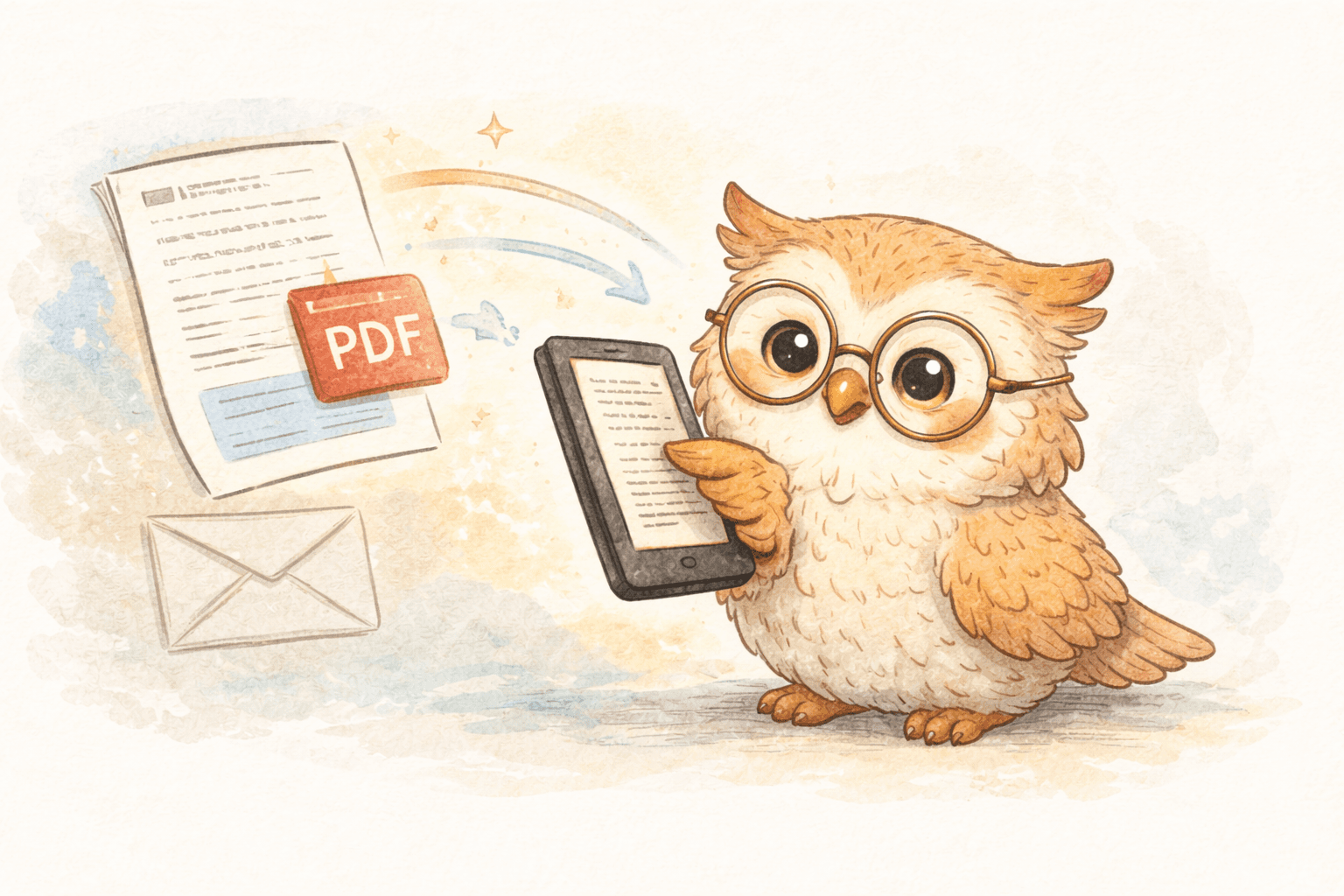
Reading articles on e-ink devices like Kindle or Boox dramatically reduces eye strain — but the real unlock comes when you combine e-ink with a cloud-backed reading system that manages your content for you.
📖 Why E-Ink Is Easier on Your Eyes
E-ink displays don’t behave like traditional screens.
Instead of emitting light directly into your eyes, e-ink reflects ambient light — the same way ink on paper does. That single difference eliminates the primary causes of digital eye strain:
- No harsh backlighting
- No constant blue light exposure
- No glare fighting your pupils
- No rapid screen refresh
The result is simple: your eyes relax instead of working overtime.
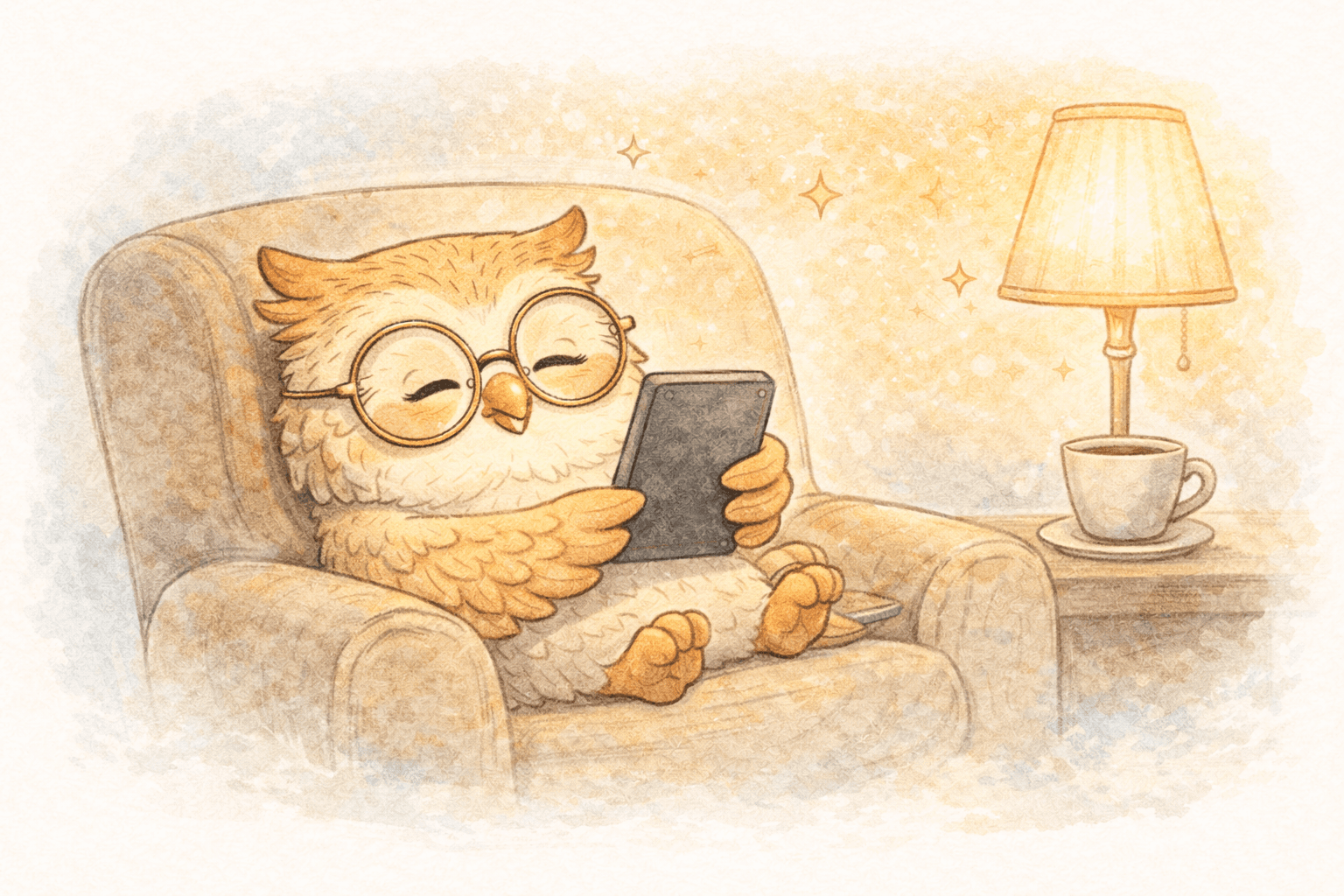
Many people can comfortably read on e-ink for 3–4 hours straight — something that’s nearly impossible on a phone or laptop.
🧠 Focus Matters as Much as Light
Eye strain isn’t just physical — it’s cognitive.
Phones and computers constantly pull your attention:
- Notifications
- Tabs
- Apps
- Messages
That mental context-switching forces your eyes to refocus repeatedly, increasing fatigue.
E-readers remove that entire layer. One screen. One task. One article. Your eyes move predictably, your reading speed stabilizes, and comprehension improves.
❌ Why “Just Read It Later” Usually Fails
Most people try to solve eye strain with read-it-later apps. The problem is that these apps still pull you back to the phone — the very device causing the issue.
Worse, traditional workflows (like emailing articles to your Kindle) treat reading as a one-off delivery, not an ongoing system.
That leads to:
- Lost articles when devices are replaced
- No durable archive
- No real organization
- Fragmented reading history
Your eyes may feel better — but your content management is still broken.
☁️ The Missing Piece: A Cloud Reading Library
The real upgrade isn’t just switching screens.
It’s moving from:
“Send this article to my device”
to:
“Add this to my reading library”
A cloud-backed system changes how reading fits into your life.
📚 What a Cloud System Adds to E-Ink Reading
Permanent backup
Articles, PDFs, and newsletters don’t live only on your Kindle or Boox.
They live in the cloud — meaning:
- Device upgrades don’t wipe your reading
- Lost hardware doesn’t mean lost content
- Your library persists over time
Your e-reader becomes a viewer, not a single point of failure.
Multi-device flexibility
A cloud library lets you:
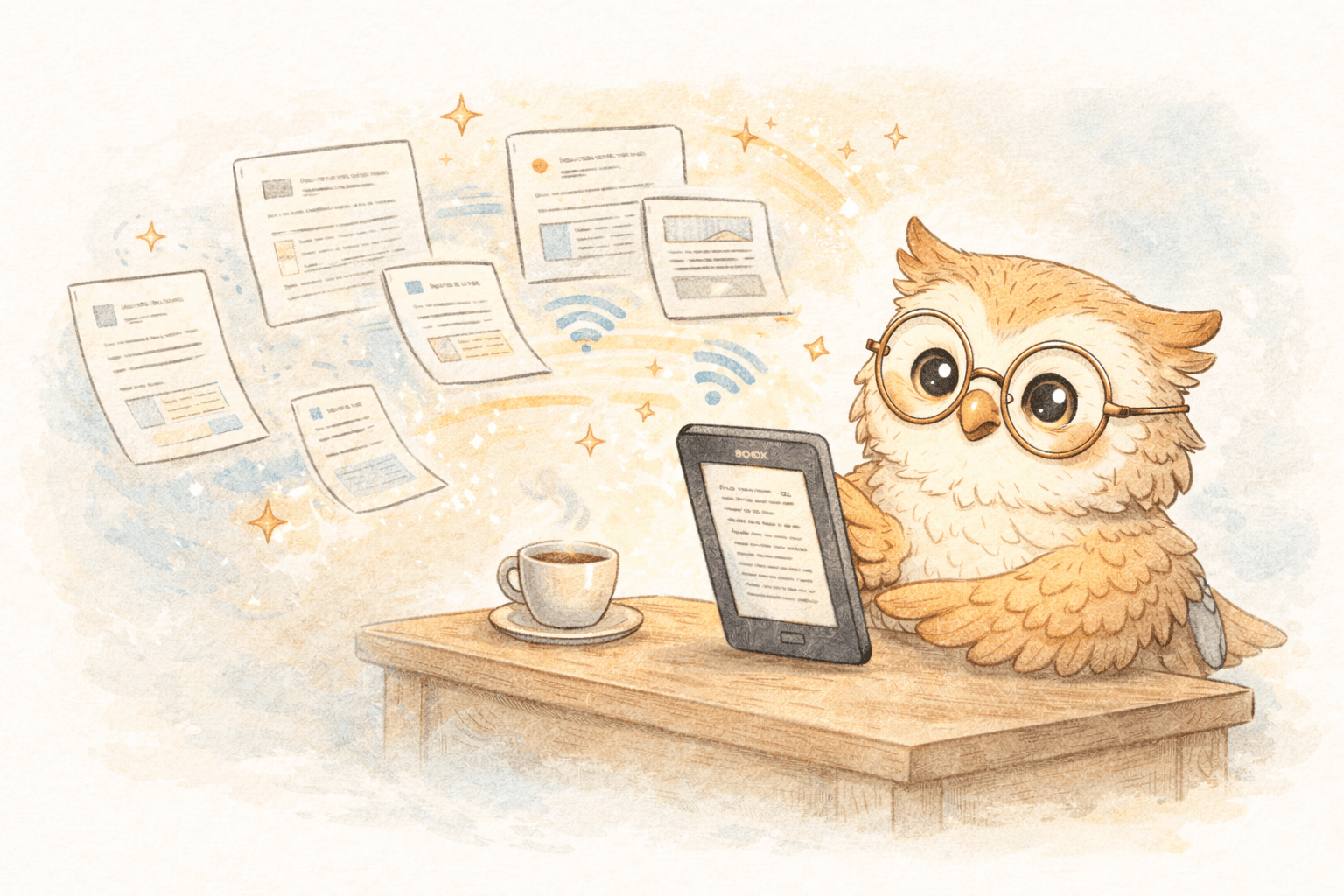
- Read on Kindle at night
- Resume on another device later
- Replace hardware without rebuilding everything
Email-based delivery can’t do this. Cloud systems can.
Curated reading instead of link hoarding
Instead of:
- Bookmark chaos
- Emailing yourself links
- Forgetting what you saved
You get:
- A deliberate reading queue
- Clear “saved vs read” state
- Intentional curation
This reduces cognitive load — which reduces eye strain indirectly by making reading calmer and more predictable.
⚡ Faster Flow = Better Habits
When saving an article is instant:
- You don’t hesitate
- You don’t “decide later”
- You trust the system to remember
That reliability matters. It keeps reading friction low and makes focused sessions easier to start.
🚀 Where LibSpace Fits In
LibSpace is designed around this exact workflow:
- E-ink as the reading surface
- Cloud as the memory layer
What it delivers:
- One-click article saving
- Clean, e-ink-optimized formatting
- Cloud-backed storage of non-DRM content
- Easy re-delivery to new or multiple devices
- Reading queues instead of inbox archaeology
It’s not just about eye comfort — it’s about building a sustainable reading system.
💡 Practical Tips for Comfortable Reading
- Increase font size more than you think you need
- Use generous line spacing
- Keep front light low and warm
- Read in focused blocks (30–90 minutes)
- Follow the 20-20-20 rule
Comfort compounds. Small adjustments add up.
🔄 The Real Comparison
| Feature | Phone / Laptop | E-Ink + Cloud | |------|----------------|--------------| | Eye strain | High | Low | | Focus | Fragmented | Deep | | Backup | None | Automatic | | Device replacement | Painful | Seamless | | Reading queues | No | Yes | | Long sessions | Uncomfortable | Easy |
🌟 The Bottom Line
You don’t need to choose between staying informed and protecting your eyes.
E-ink devices solve the physical problem.
Cloud-backed libraries solve the organizational one.
Together, they turn reading from a draining activity into something calm, intentional, and repeatable.
If you already own an e-reader, the upgrade isn't new hardware — it's a better system behind it.
LibSpace works with Kindle and Boox directly, plus any e-reader that syncs with Google Drive or Dropbox (like Supernote, PocketBook, and others).
LibSpace offers a 30-day free trial, no credit card required. Save a few real articles, read them comfortably, and experience what happens when your eyes — and your reading history — finally get a break.
Your eyes will notice immediately.
Your reading habits will change permanently. 👁️📚☁️
Darcy Reno
Founder of LibSpace. 25+ years in technology leadership across the media and entertainment industry — including roles at Constellation Software, Electronic Arts, and Technicolor, and working alongside studios like DreamWorks Animation, Disney, and Nickelodeon. A passionate reader, Darcy built LibSpace to bridge the gap between online content and e-readers, with a focus on long-form articles, research, and journalism.
Try LibSpace Free for 30 Days
Send articles, documents, and web pages to your e-reader in seconds. No credit card required.