Send Research Papers to Kindle: Academic Reading Made Easy

📚 Read Research Papers the Way They Were Meant to Be Read (On E-Ink)
If you’re an academic researcher, a grad student buried in PDFs, or just someone who genuinely enjoys reading research papers, you’ve probably run into the same problem:
You find great papers… but managing, organizing, and actually reading them is way harder than it should be.
Files end up scattered across your laptop, email, cloud drives, and reference managers. You try to read dense papers on a backlit screen while notifications pop up. Your eyes get tired. Your focus drifts. And somehow, half the papers you saved never get read at all.
There’s a better way.
Sending research papers directly to your Kindle or e-reader turns academic reading into something calmer, more focused, and—surprisingly—enjoyable again.
Why your current academic reading setup feels exhausting 🤔
Let’s be honest about what most academic workflows actually look like:
- PDFs pile up in random folders like
papers_final_FINAL_v3.pdf - Email inboxes become accidental research libraries
- You re-download papers because you can’t find them
- Long reading sessions on a laptop lead to eye strain and burnout
- Switching between browsers, reference managers, and note apps kills focus
- File conversions and syncing feel like busywork, not research
None of this is your fault. Most of us were never taught how to manage digital research libraries properly—we just accumulated files until things got messy.
The real cost?
Important papers go unread.
Insights get lost.
Your research slows down.
Why e-readers are surprisingly perfect for academic reading 📖
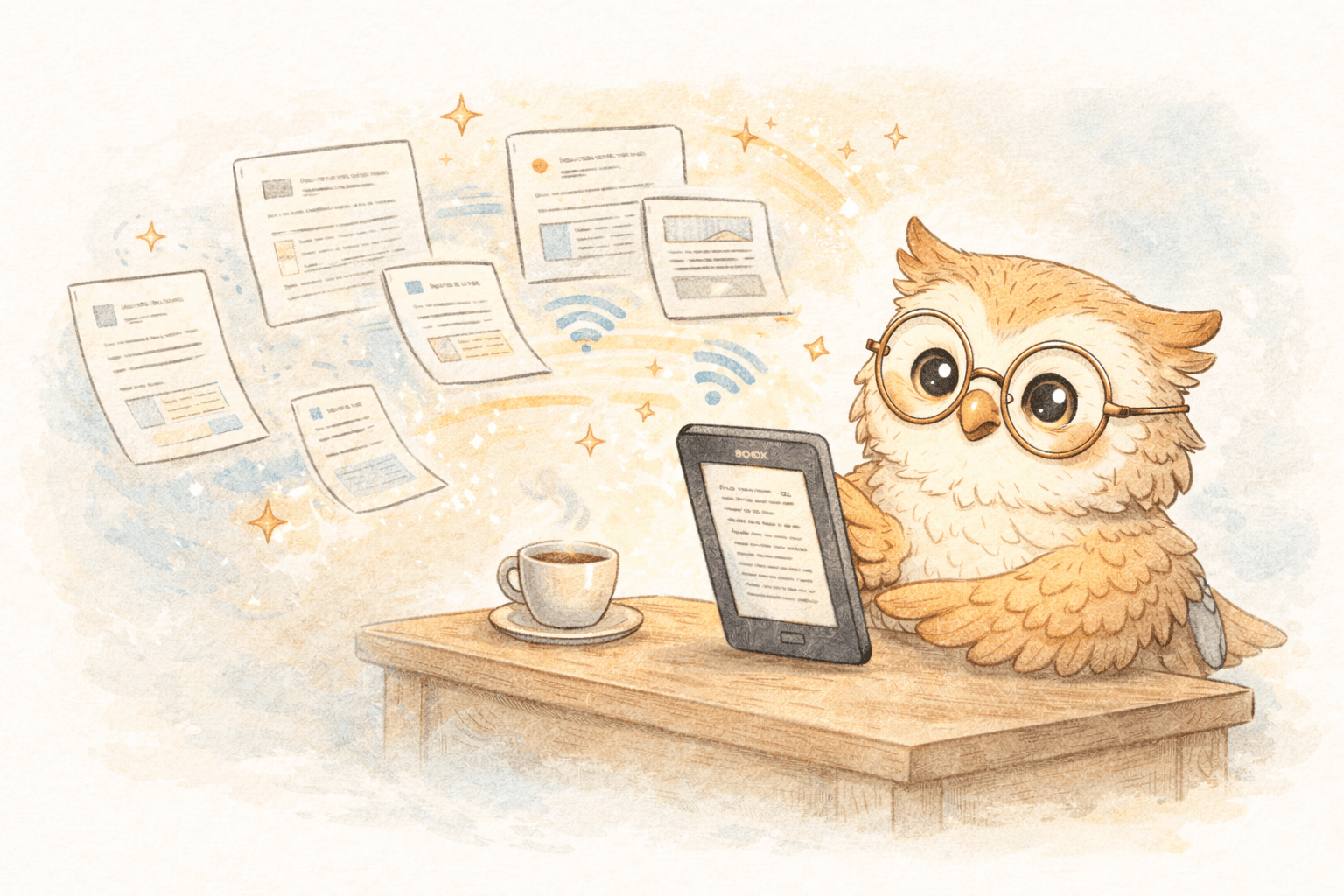
E-ink devices (like Kindle and Boox) quietly solve a lot of these problems.
Here’s why they work so well for research:
- Easy on the eyes – No blue light, no glare, no screen fatigue during long sessions
- Distraction-free – No Slack, email, or browser tabs pulling you away
- Long battery life – Read for weeks, not hours
- Excellent text clarity – Dense academic writing is easier to follow
- Portable – Carry dozens (or hundreds) of papers anywhere
- Annotations that stick – Highlight, underline, and take notes like you would on paper
Reading a paper on e-ink feels much closer to reading a printed journal—without the printing.
Once you try it, going back to a laptop feels… unpleasant.
The real pain: getting papers onto your e-reader 😩
Until recently, sending papers to an e-reader was the worst part.
The old ways (aka: why this never stuck)
USB cables & manual transfers
- Download PDF
- Convert formats
- Plug in device
- Drag files
- Eject safely
- Hope it worked
Do that for five papers and you’ve lost an hour.
Emailing files to Kindle
- Attach PDFs one by one
- Wait for processing
- Deal with broken formatting
- Discover issues halfway through reading
Conversion tools like Calibre
- Powerful, but fiddly
- Steep learning curve
- Lots of manual steps
- Easy to procrastinate instead of read
All of these approaches technically work—but they add just enough friction to make reading feel like work.
A better approach: one click, paper appears 🚀
This is where LibSpace changes things.
Instead of managing files, cables, and conversions, the workflow becomes:
- Find a paper online (arXiv, journal site, PDF, anywhere)
- Click the LibSpace browser extension
- Wait a few seconds
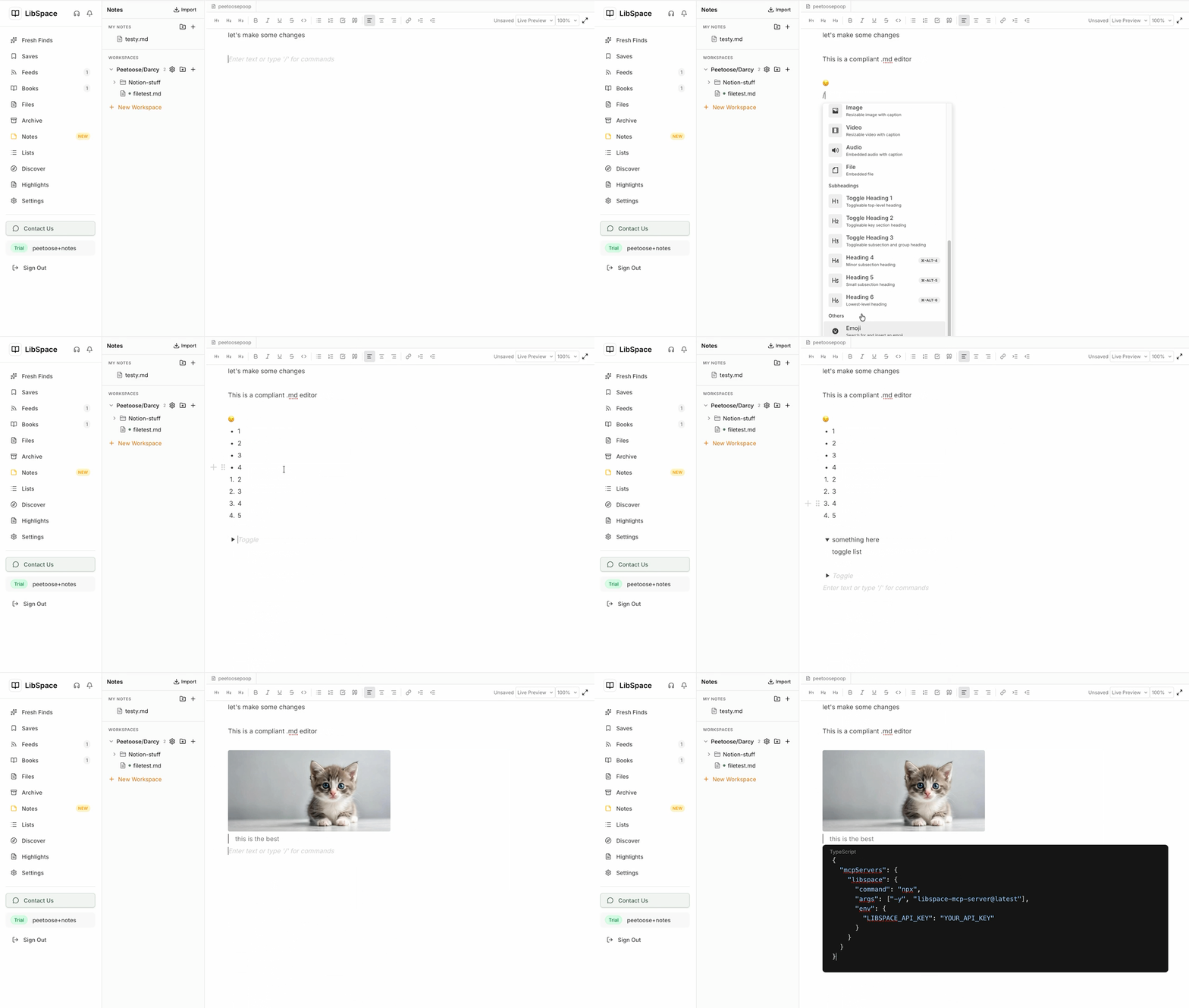
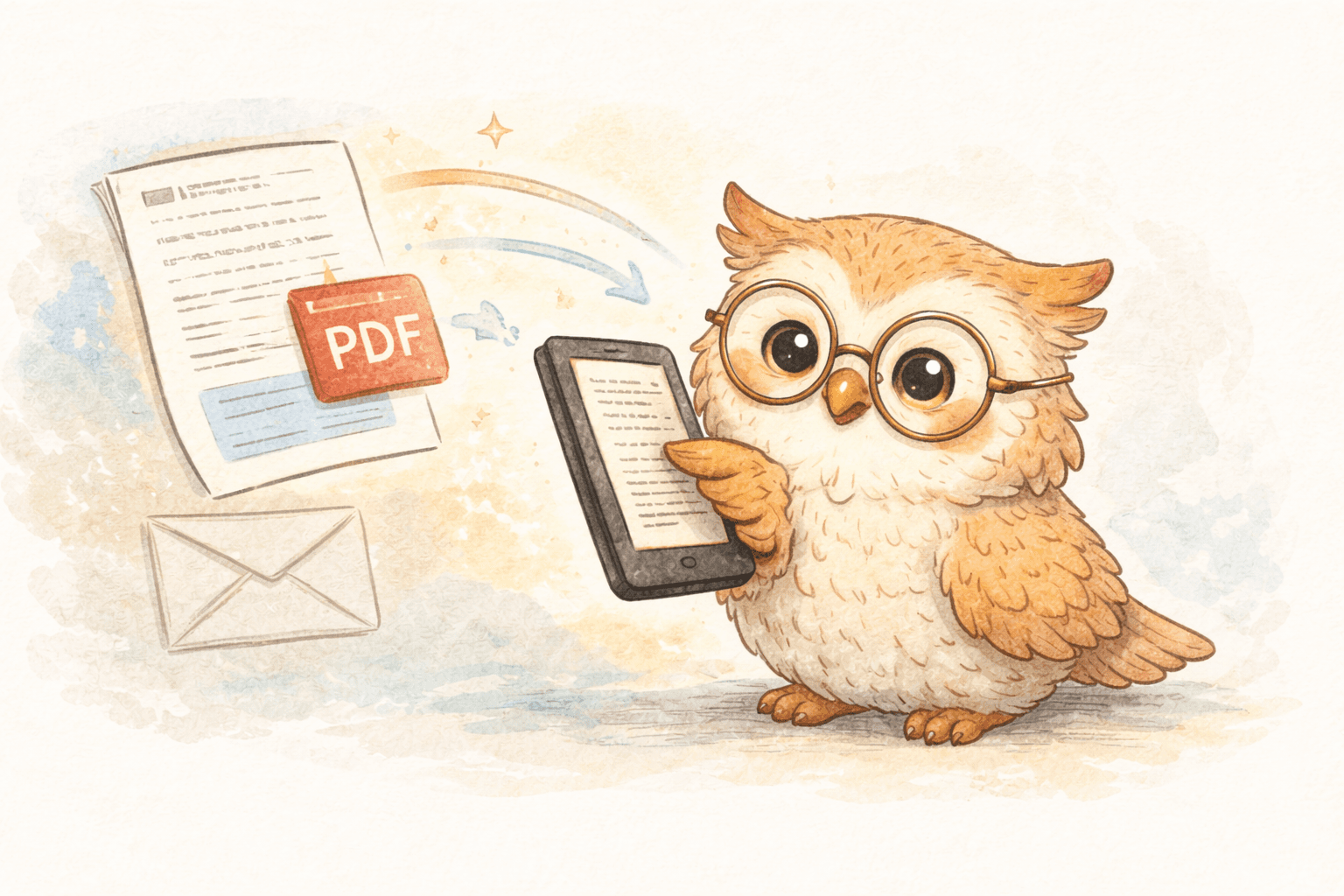
- The paper shows up on your Kindle or Boox—ready to read
That’s it.
No downloads.
No format guessing.
No device babysitting.
Why LibSpace works so well for researchers 🎯
LibSpace is built around a simple idea: your e-reader should be the destination, not another app.
Features that actually matter in academic work
Direct arXiv & medRxiv support
Find a paper → click once → it’s on your device. No intermediate steps.
Smart format handling
PDFs, EPUBs, Word docs, Markdown, web articles—LibSpace converts content into clean, readable formats optimized for e-ink screens.
Fast delivery
- Boox: often under 30 seconds
- Kindle: usually 1–2 minutes
Fast enough to stay in your research flow.
Annotation exports Highlights and notes can be sent to:
- Notion
- Google Docs
- Readwise
Your reading doesn’t disappear into a device—it feeds back into your research system.
What this looks like in real academic life 📊
Grad student example
Instead of:
- Downloading PDFs
- Losing files
- Reading on a laptop until your eyes hurt
You:
- Save papers with one click
- Read them comfortably on e-ink
- Highlight key ideas
- Export notes into a structured research database
Less friction. More actual thinking.
Faculty / interdisciplinary researcher example
Instead of juggling PubMed, arXiv, journal sites, and email attachments:
- Everything funnels into one reading queue
- Papers arrive formatted consistently
- Notes from different fields live in one place
- Patterns and connections become easier to spot
Getting started takes about five minutes ⏱️
- Go to https://libspace.io
- Start the 30-day free trial (no credit card)
- Install the browser extension (Chrome or Safari)
- Connect your e-reader (Kindle, Boox, or any device that syncs with Google Drive or Dropbox)
- Save a paper you've been meaning to read
LibSpace integrates directly with Kindle and Boox devices. Plus, if your e-reader supports Google Drive or Dropbox (like Supernote, PocketBook, or others), LibSpace works with those too.
If it lands on your device quickly and feels good to read, you'll know right away.
Why this actually improves research output 💡
Removing friction doesn’t just save time—it changes behavior.
- You read more papers because saving them is effortless
- You understand more because you’re reading without distractions
- You retain more because highlights flow into your knowledge system
- You synthesize faster because everything is organized
This isn’t about reading faster.
It’s about reading better.
Final thought 🌱
Academic reading shouldn’t feel like fighting your tools.
E-readers already give you a better reading experience.
LibSpace simply connects the dots—so finding a paper and reading it feel like one smooth action.
No cables.
No file chaos.
No “I’ll read this later” guilt.
👉 Start your free trial at https://libspace.io
Save one paper. Read it comfortably. Decide from there.
Your future self—the one who actually read those papers—will be glad you did.
Darcy Reno
Founder of LibSpace. 25+ years in technology leadership across the media and entertainment industry — including roles at Constellation Software, Electronic Arts, and Technicolor, and working alongside studios like DreamWorks Animation, Disney, and Nickelodeon. A passionate reader, Darcy built LibSpace to bridge the gap between online content and e-readers, with a focus on long-form articles, research, and journalism.
Try LibSpace Free for 30 Days
Send articles, documents, and web pages to your e-reader in seconds. No credit card required.