Stop Losing Articles: Build Your E-Reader Reading List Fast
Stop Hoarding Articles. Start Actually Reading Them. 📚
We live in a golden age of great writing—and an absolute dumpster fire of attention.
Every day you stumble across smart essays, deep dives, long-form journalism, and “I should definitely read this later” pieces. You bookmark them. You save them. You open a dozen tabs and promise Future You will deal with it.
Future You never does. 😬
Instead, those articles rot quietly in browser folders while your phone buzzes, pings, and drags you into another scroll session you didn’t ask for.
But what if saving an article actually meant reading it?
Why Your Phone Is the Worst Place to Read Serious Stuff 📱❌
Phones are incredible devices. They’re also hostile environments for deep reading.
You start an article with good intentions. Three paragraphs in, a notification pops up. Then another. Then you check one thing and suddenly it’s 20 minutes later and you’re watching a video you didn’t care about five minutes ago.
Even when notifications are off, the screen itself works against you:
- 🔆 Bright backlighting
- 👀 Eye strain
- 🔀 Constant temptation to switch apps
It’s no surprise most long articles never get finished on phones.
Saving something isn’t the same as reading it—and phones make sure you remember that.
Why E-Readers Quietly Win at Long-Form Reading ✨
E-readers don’t fight for your attention.
They don’t buzz.
They don’t glow.
They don’t ask you to “just check one thing.”
They’re designed for one job: reading.
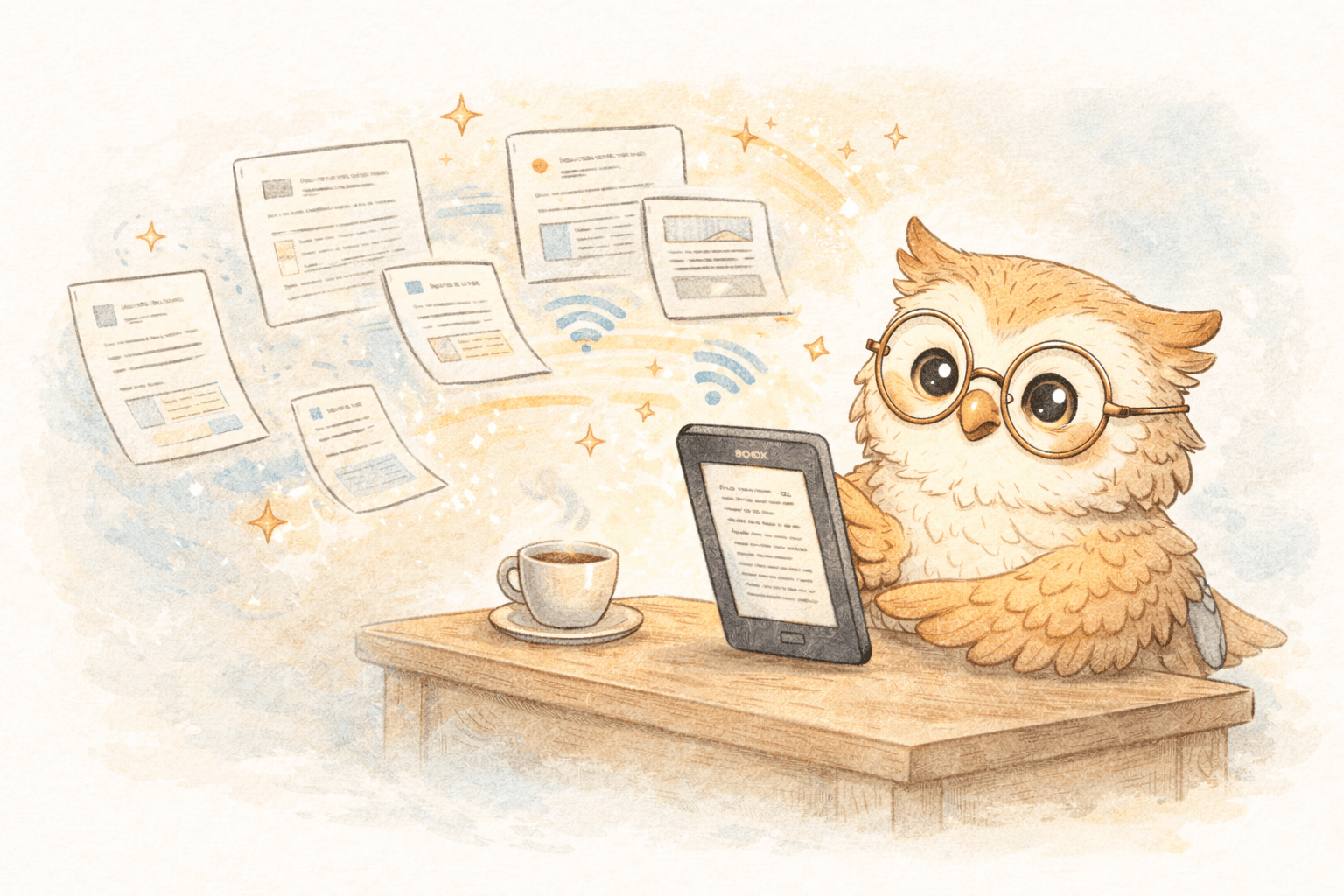
E-ink screens are easy on your eyes. The interface is minimal. When you open an article on a Kindle or e-ink tablet, you actually read it—start to finish.
This is why people who move long-form content to e-readers report a simple but powerful change:
They finish what they save.
Not more productivity.
Not more hacks.
Just… actually reading.
The Missing Link: Getting Web Articles Onto Your E-Reader 🔗
Here’s where most people get stuck.
They love the idea of reading articles on an e-reader… but assume the process is clunky:
- Download this
- Convert that
- Email files to yourself
- Hope formatting doesn’t explode 💥
That used to be true.
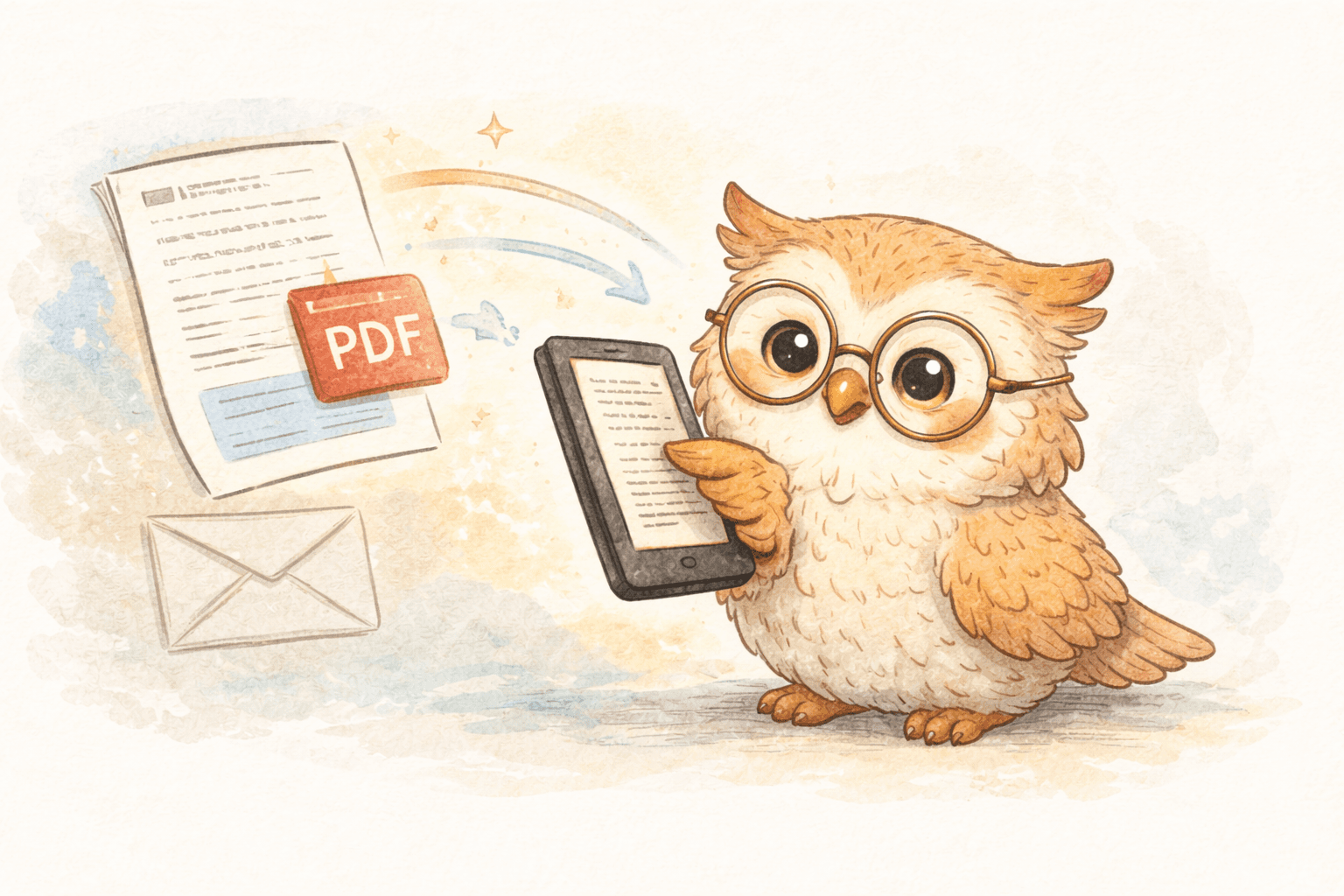
Today, sending articles from the web to your e-reader can take seconds.
Modern tools let you:
- 🧹 Clean up messy web formatting
- ⚡ Send articles with one click
- 📥 Deliver them straight to your e-reader
No copy-pasting.
No file juggling.
No “I’ll deal with this later.”
Later becomes now.
Why This Workflow Actually Changes Habits 🔄
This isn’t just about convenience—it’s about behavior.
When your workflow looks like this:
Interesting article → one click → shows up on your e-reader
A few things happen:
- 🗑️ You stop hoarding tabs
- ⏳ You stop “saving for someday”
- 🧠 You start treating reading as intentional time
Instead of doom-scrolling before bed, you open your e-reader.
Instead of forgetting what you saved, it’s waiting for you—offline and distraction-free.
It turns passive saving into active reading.
And once that habit forms, it sticks.
Not All “Read-It-Later” Tools Are Built for E-Readers 🚫📱
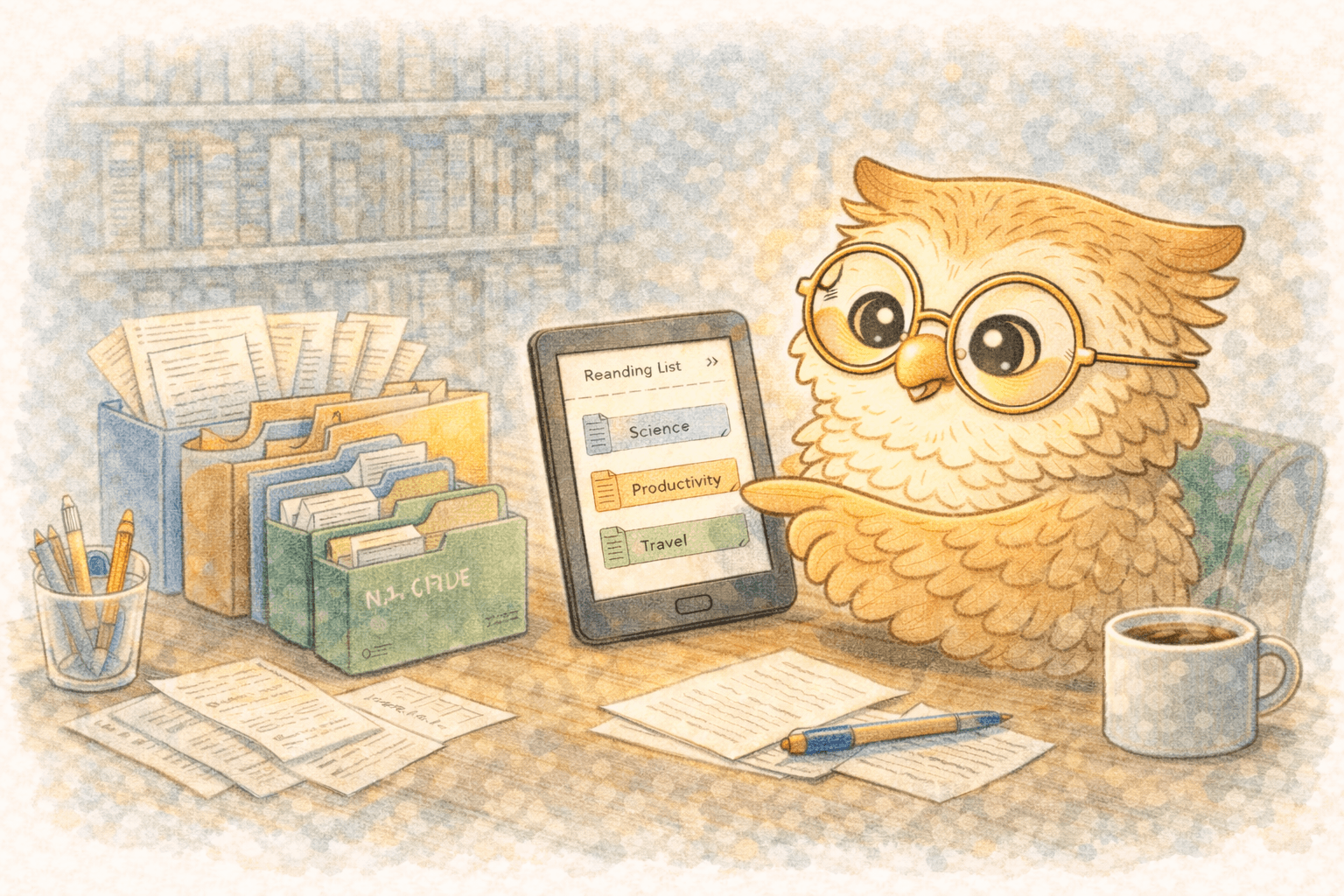
Most bookmark and read-it-later apps were designed for phones first. Your e-reader is an afterthought—if it’s supported at all.
Tools built specifically for e-readers flip that model:
- 📖 Your e-reader is the destination
- 🌐 The web is just the source
- 🧾 Articles are formatted for reading, not scrolling
That difference matters more than people expect.
When the output is right, the habit follows.
If You Love Reading, Fix the Pipeline 🛠️
If you already own an e-reader, you’ve done the hard part.
The real unlock is fixing the pipeline between:
“That looks interesting”
and
actually reading it
Once that friction disappears, reading stops feeling like another task on your to-do list—and starts feeling like what it used to be:
- Quiet
- Focused
- Enjoyable
No feeds. No algorithms. No noise.
Just you and the text.
Ready to Actually Read What You Save? ✅
If you're tired of unread bookmarks and glowing screens, it's time to try a better workflow.
👉 Start sending articles directly to your e-reader and see the difference for yourself. Set it up once, then let every great article land where it belongs—on a screen designed for reading.
LibSpace integrates directly with Kindle and Boox devices. Plus, if your e-reader supports Google Drive or Dropbox (like Supernote, PocketBook, or others), LibSpace works with those too.
Your future self will thank you. And your browser tabs can finally rest in peace. 🪦
Darcy Reno
Founder of LibSpace. 25+ years in technology leadership across the media and entertainment industry — including roles at Constellation Software, Electronic Arts, and Technicolor, and working alongside studios like DreamWorks Animation, Disney, and Nickelodeon. A passionate reader, Darcy built LibSpace to bridge the gap between online content and e-readers, with a focus on long-form articles, research, and journalism.
Try LibSpace Free for 30 Days
Send articles, documents, and web pages to your e-reader in seconds. No credit card required.