Welcome to the LibSpace Blog: Your Guide to Better E-Reader Reading
Welcome to the LibSpace Blog
If you're reading this, chances are you own an e-reader—maybe a Kindle Paperwhite, a Boox Note Air, or another e-ink device—and you've discovered the same frustrating truth that brought us here: getting content onto your e-reader is harder than it should be.
You've probably experienced the cycle. You find a fascinating long-form article, an important research paper, or a newsletter worth reading properly. You save it somewhere—a browser tab, a bookmarks folder, maybe Pocket (RIP). And then... it sits there. Unread. Because the friction of actually getting it to your e-reader felt like too much work.
We built LibSpace to fix that. And we built this blog to help you get the most out of your e-reader.
What Is LibSpace?
LibSpace is a read-it-later service designed specifically for e-reader users. Unlike traditional apps that expect you to read on your phone or laptop, LibSpace sends your saved content directly to your e-reader—typically in seconds.
We integrate directly with Kindle and Boox devices for instant sync. Plus, if your e-reader supports Google Drive or Dropbox sync (like Supernote, PocketBook, or others), LibSpace works with those too.
Here's what makes it different:
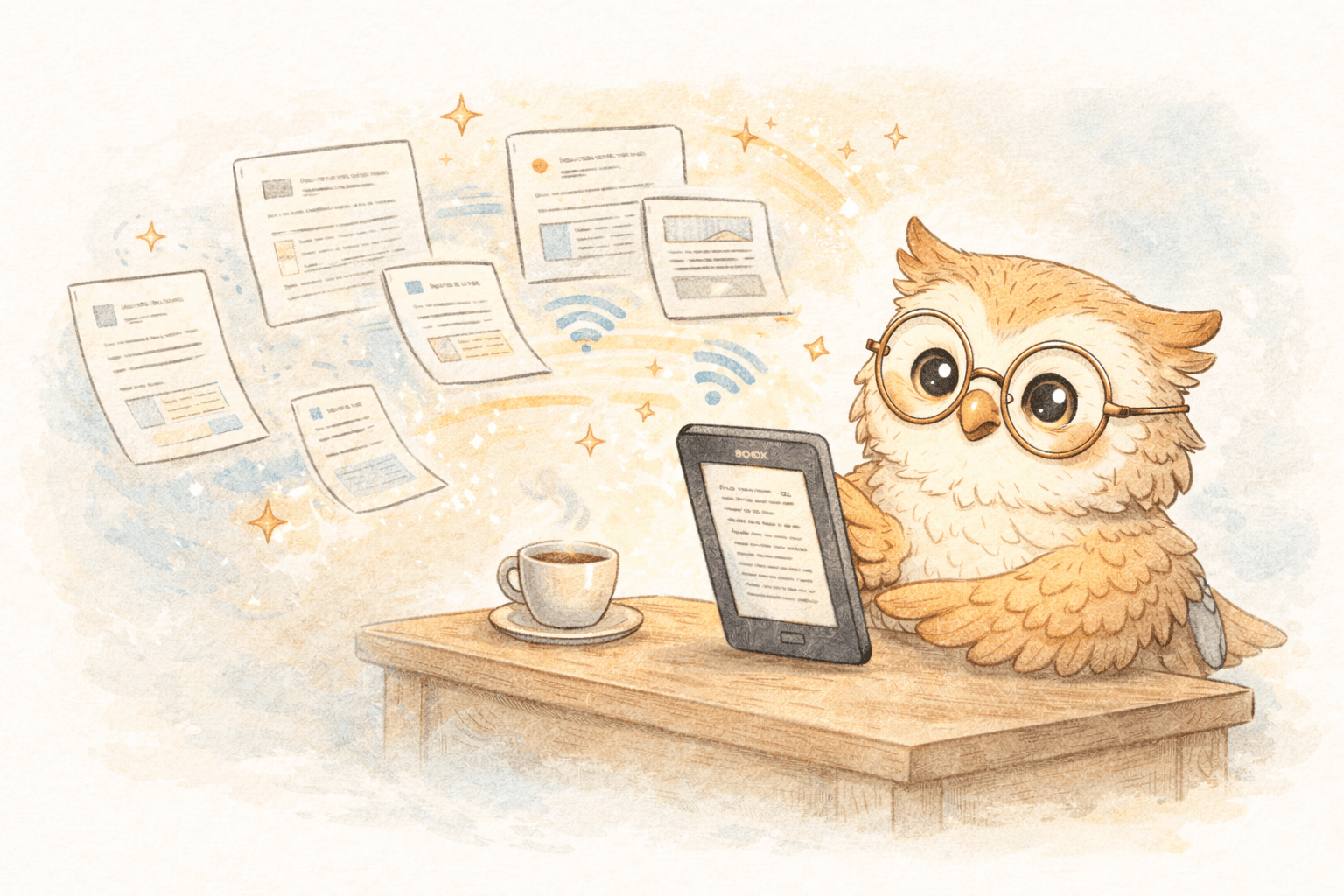
- Lightning-fast delivery: Articles appear on your Boox in under 30 seconds, on Kindle in about 1-2 minutes
- Broad device support: Direct integration with Kindle and Boox, plus cloud sync via Google Drive and Dropbox for other e-readers
- One-click saving: Our browser extension (Chrome & Safari) lets you save any web article instantly
- Clean formatting: Web articles are automatically converted to clean EPUBs optimized for e-ink
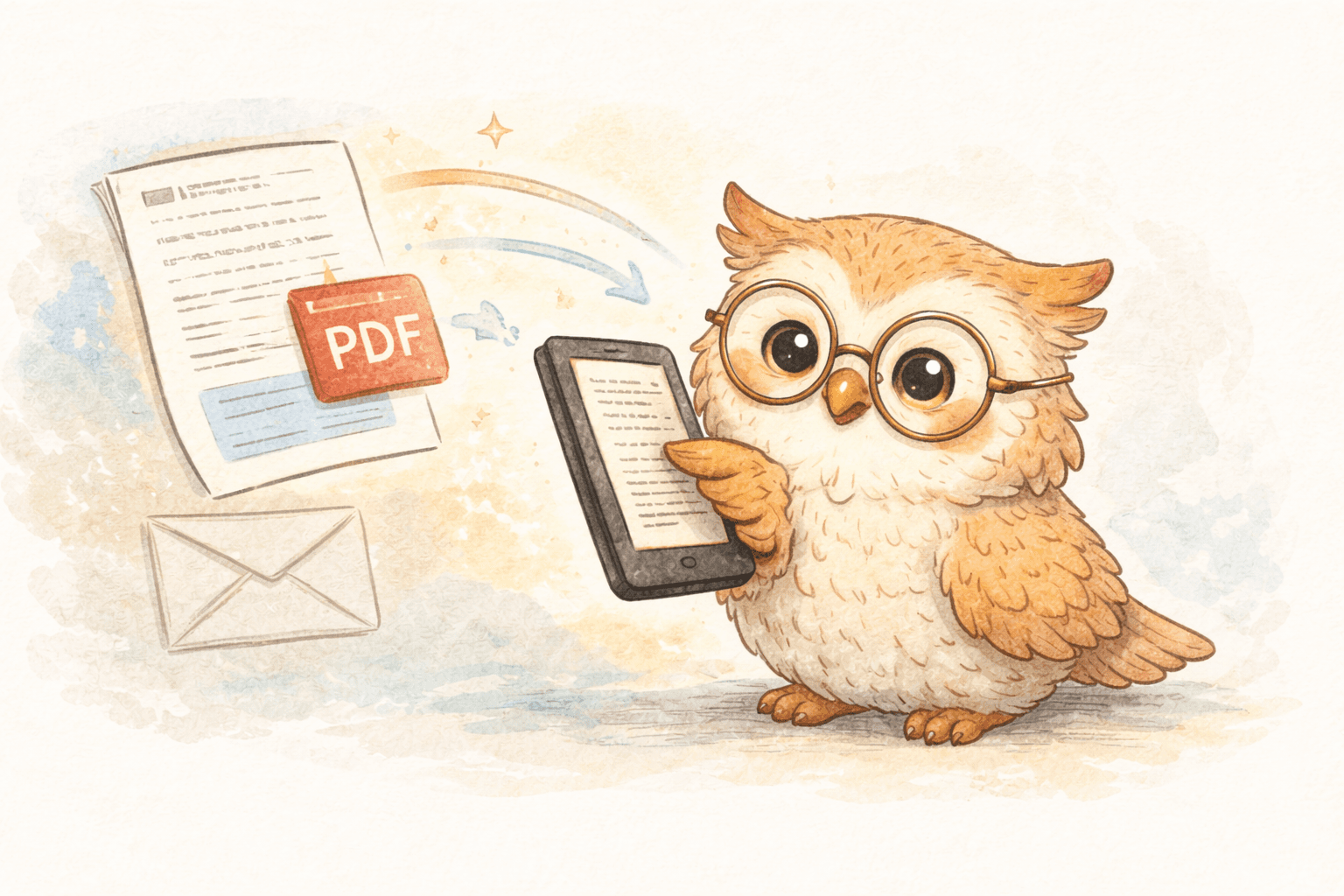
- Multiple formats: Support for PDF, EPUB, MOBI, and document files
- Research integration: Import papers directly from arXiv and medRxiv
- Knowledge export: Send your highlights and annotations to Notion, Google Docs, or Readwise
- Newsletter support: Forward newsletters directly to your e-reader
No cables. No side-loading. No complicated workflows. Just save, sync, and read.
What You'll Find on This Blog
This blog is your resource for everything related to e-reader reading workflows. We'll cover:
Practical Guides
Step-by-step tutorials for common tasks: sending articles to Kindle, setting up your Boox for wireless sync, converting web content to EPUB, and managing your reading queue effectively.
Workflow Optimization
Strategies for academics, professionals, and avid readers who want to build better reading habits. Learn how to integrate your e-reader into your knowledge management system.
E-Reader Tips
Get more from your device. We'll share insights on reducing eye strain, organizing your library, and making the most of e-ink technology.
Industry Insights
Thoughts on the read-it-later space, e-reader technology, and the future of distraction-free reading.
Why E-Readers Matter
In a world of infinite scrolling, push notifications, and algorithmic feeds, e-readers offer something increasingly rare: focused attention.
There's a reason people read more—and retain more—on e-ink devices:
- No blue light means less eye strain during long reading sessions
- No notifications means no interruptions
- No apps means no temptation to "quickly check" something else
- The dedicated nature of the device signals to your brain that it's time to read
But e-readers have a content problem. They're fantastic for books, but getting web articles, newsletters, and documents onto them has traditionally been a hassle. That's the gap LibSpace fills.
Getting Started
If you're new to LibSpace, here's how to get started:
- Sign up for free — No credit card required for the 30-day trial
- Connect your e-reader — Link your Kindle, Boox, or cloud account (Google Drive/Dropbox) in settings
- Install the browser extension — One-click saving from any website (Chrome & Safari)
- Start reading — Save your first article and watch it appear on your device
Join the Conversation
We're building LibSpace for readers like you. If you have questions, feedback, or suggestions for blog topics, we'd love to hear from you.
Here's to reading more, on the device that was built for it.
Happy reading!
— The LibSpace Team
Ready to transform your reading workflow? Start your free trial and see why e-reader enthusiasts are making the switch to LibSpace.
Darcy Reno
Founder of LibSpace. 25+ years in technology leadership across the media and entertainment industry — including roles at Constellation Software, Electronic Arts, and Technicolor, and working alongside studios like DreamWorks Animation, Disney, and Nickelodeon. A passionate reader, Darcy built LibSpace to bridge the gap between online content and e-readers, with a focus on long-form articles, research, and journalism.
Try LibSpace Free for 30 Days
Send articles, documents, and web pages to your e-reader in seconds. No credit card required.