Deliver Articles to Kindle Without Email: The Fast Way
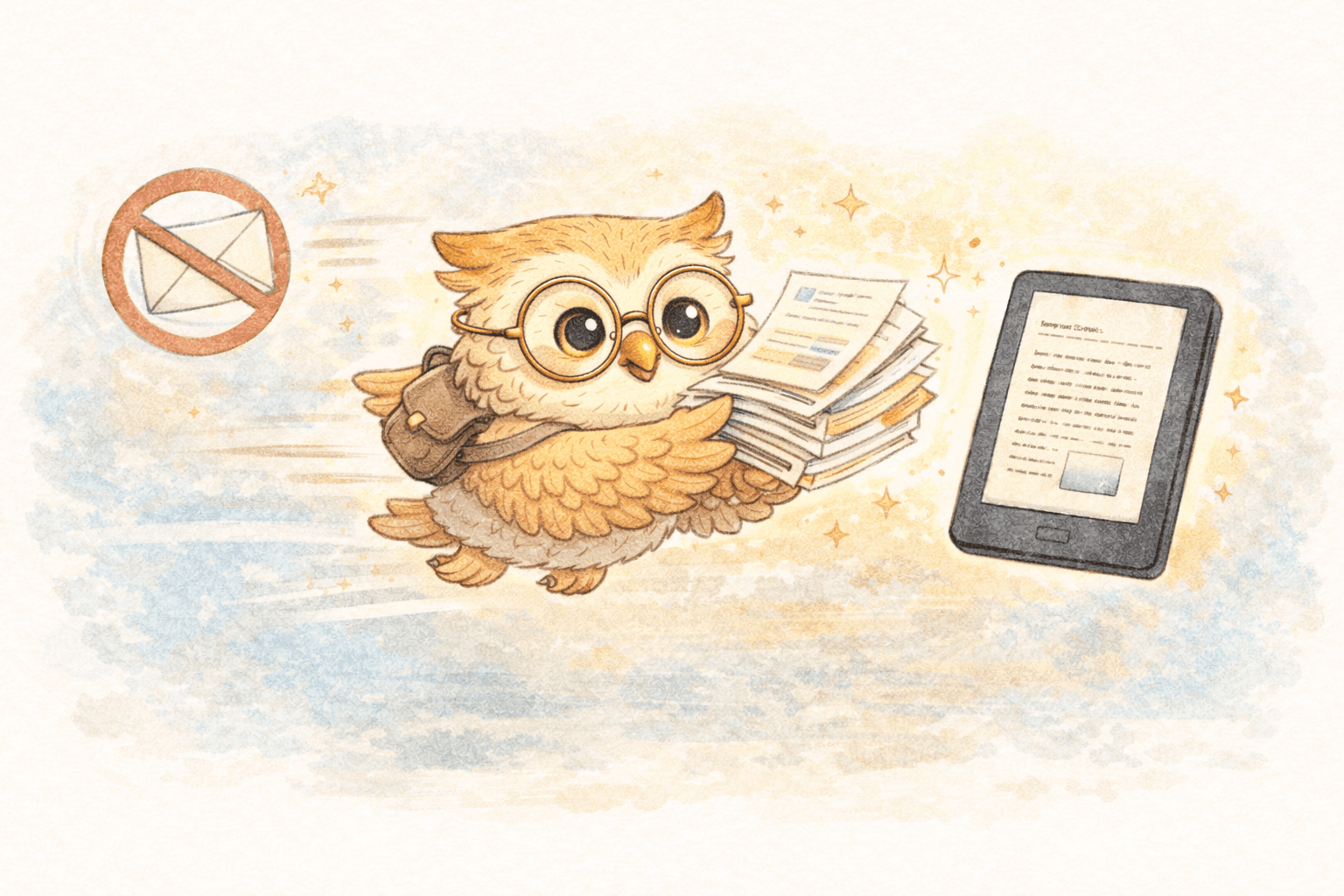
📧❌ Send Articles to Kindle Without Email — and Actually Manage What You Read
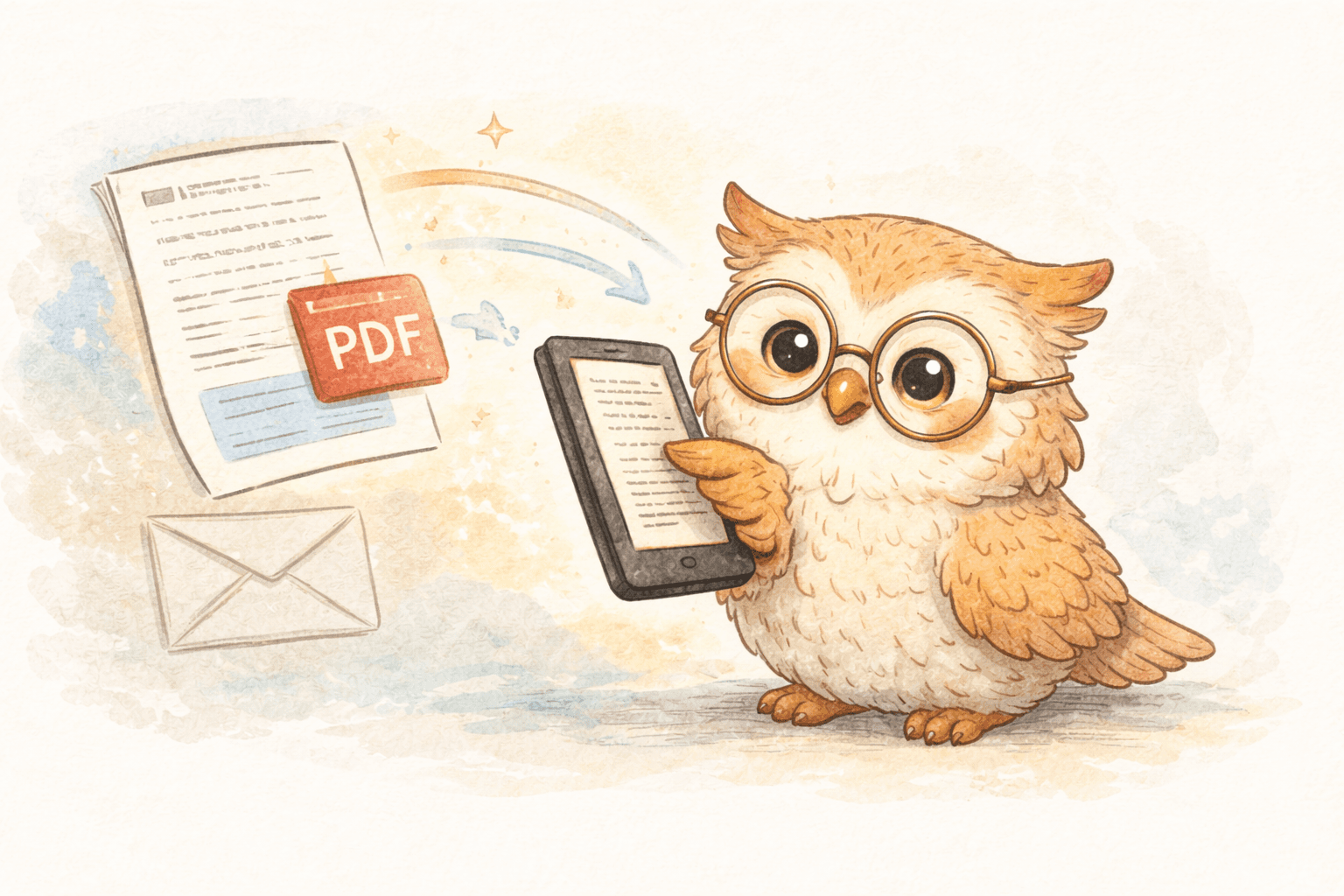
If you still send articles to your Kindle by email, you’re using a system designed for delivery, not for reading at scale.
Amazon’s Send-to-Kindle email feature works — but it was never meant to handle modern reading habits. It’s slow enough to be annoying, fragile enough to fail silently, and offers almost no way to manage, organize, or preserve what you send.
The bigger problem isn’t speed.
It’s that email treats every article as disposable.
⚠️ Why Email-Based Send-to-Kindle Breaks Down
1️⃣ Email sends files — it doesn’t manage content
When you email something to your Kindle:
- It arrives on one device
- It lives only on that device
- It’s loosely labeled (if at all)
- There’s no durable library behind it
Lose your device, replace it, or reset it — and that reading history is gone.
Email has no memory.
2️⃣ Organization is basically nonexistent
Email-delivered articles:
- Lose source context
- Lack consistent metadata
- Can’t be easily re-sent or re-organized
- Turn your Kindle library into a dumping ground
Once you read regularly, this becomes chaos.
3️⃣ Multi-device usage is painful
If you:
- Use more than one Kindle
- Read on phone + e-reader
- Upgrade hardware
- Replace a lost or broken device
…email forces you to rebuild everything manually.
There’s no central source of truth.
4️⃣ Formatting is inconsistent
Email-based conversion often produces:
- Broken layouts
- Missing images
- Poor spacing
- Hard-to-read text on e-ink
You technically received the article — but it’s not enjoyable to read.
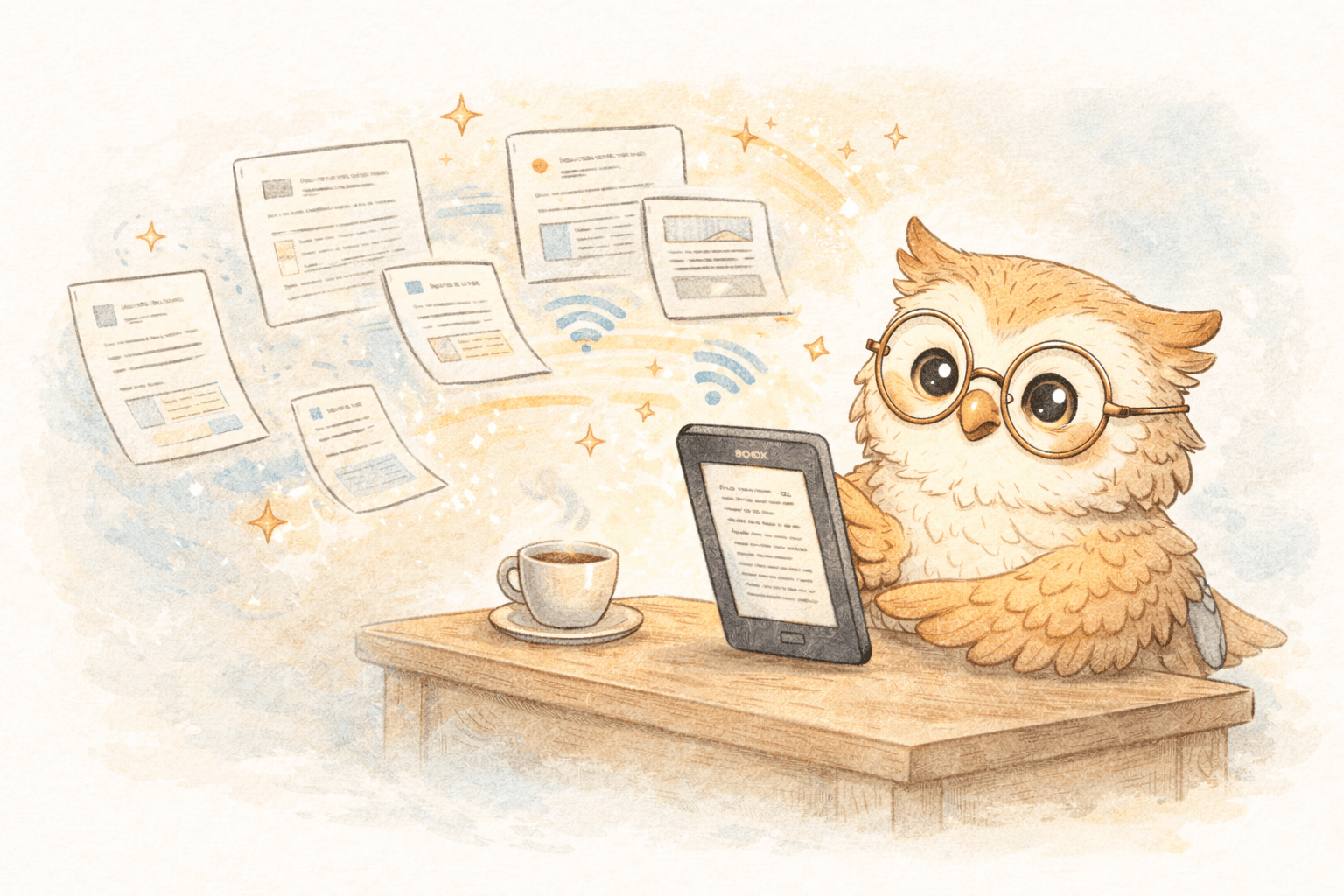
☁️ The Real Upgrade: Cloud-Based Article Delivery
Modern alternatives don’t just remove email.
They replace it with a cloud-backed reading system.
Instead of:
“Send this file to my Kindle”
You get:
“Add this article to my reading library”
That shift changes everything.
📚 What a Cloud Reading System Gives You
Permanent backup (the quiet superpower)
A cloud system keeps a copy of your non-DRM reading material:
- Articles
- PDFs
- Newsletters
- Documents
Your Kindle becomes a temporary reader, not the only place your content exists.
Replace your device?
Switch models?
Use multiple readers?
Your library is still there.
One library, multiple devices
Cloud-based systems let you:
- Send the same article to multiple Kindles
- Re-send content later
- Continue reading after device changes
- Avoid “which Kindle did I send this to?”
Email cannot do this.
Curated reading instead of inbox noise
Instead of forwarding links and hoping you’ll read them later, you get:
- A reading queue
- Clear “saved vs read” states
- The ability to curate intentionally
You stop hoarding links and start building a reading list.
⚡ Speed Still Matters — and Cloud Wins
Cloud-based delivery is also faster:
- No mail servers
- No sender approvals
- No attachment processing
You click once. Content appears predictably. Reading momentum stays intact.
Speed isn’t just convenience — it’s habit formation.
🦉 Where LibSpace Fits
LibSpace is built around this idea:
Your e-reader should pull from a managed library — not receive random emails.
What that means in practice:
- One-click article saving via browser extension
- Clean, e-ink-optimized formatting
- Cloud-backed storage for everything you send
- Easy re-delivery to new or multiple devices
- Reading queues instead of inbox archaeology
LibSpace integrates directly with Kindle and Boox devices for instant sync. Plus, if your e-reader supports Google Drive or Dropbox (like Supernote, PocketBook, or others), LibSpace works with those too.
It's not just faster than email. It's structurally better.
🧠 Reading as a System, Not a Task
Once content lives in a cloud library:
- Reading becomes intentional
- Highlights can be exported
- Notes don’t get trapped on one device
- Your reading feeds your thinking
Discovery → Save → Read → Annotate → Retain
Email breaks that loop. Cloud systems close it.
📚 Practical Tips for Better Kindle Reading
- Save first, decide later — the library remembers for you
- Cull aggressively — unread content isn’t a failure, it’s a filter
- Batch reading sessions — Kindles shine in focus blocks
- Export highlights — anything worth reading is worth keeping
- Treat your Kindle as a viewer — not your archive
🔄 Email vs Cloud: The Real Comparison
| Capability | Email | Cloud System | |----------|-------|--------------| | Delivery speed | OK | Fast | | Formatting quality | Inconsistent | Optimized | | Organization | Minimal | Built-in | | Backup | None | Automatic | | Multi-device | Painful | Native | | Device replacement | Manual recovery | Seamless | | Reading queues | No | Yes |
🚀 Get Started
If you only send an article once a month, email is fine.
If reading is something you do, not something you aspire to, email will get in your way.
LibSpace offers a 30-day free trial with no credit card. Install the extension, save a few real articles, and experience what it feels like when your Kindle is fed by a curated, backed-up library instead of a forwarding address.
The win isn’t faster sending.
It’s finally having a reading system that remembers what you care about. 📖☁️
Darcy Reno
Founder of LibSpace. 25+ years in technology leadership across the media and entertainment industry — including roles at Constellation Software, Electronic Arts, and Technicolor, and working alongside studios like DreamWorks Animation, Disney, and Nickelodeon. A passionate reader, Darcy built LibSpace to bridge the gap between online content and e-readers, with a focus on long-form articles, research, and journalism.
Try LibSpace Free for 30 Days
Send articles, documents, and web pages to your e-reader in seconds. No credit card required.