Read Newsletters on Your E-Reader: The Smart Way
📧→📚 Read Newsletters on Your E-Reader (Without Letting Them Rot in Your Inbox)
Picture this: three newsletters land in your inbox—tech, business, and a blog you actually like. You’ve got 10 minutes before your next meeting. If you open them on your phone, you’ll get distracted. If you leave them in email, they’ll get buried under calendar invites and “quick question” threads. And if you “save for later,” you’ve basically admitted defeat. 😬
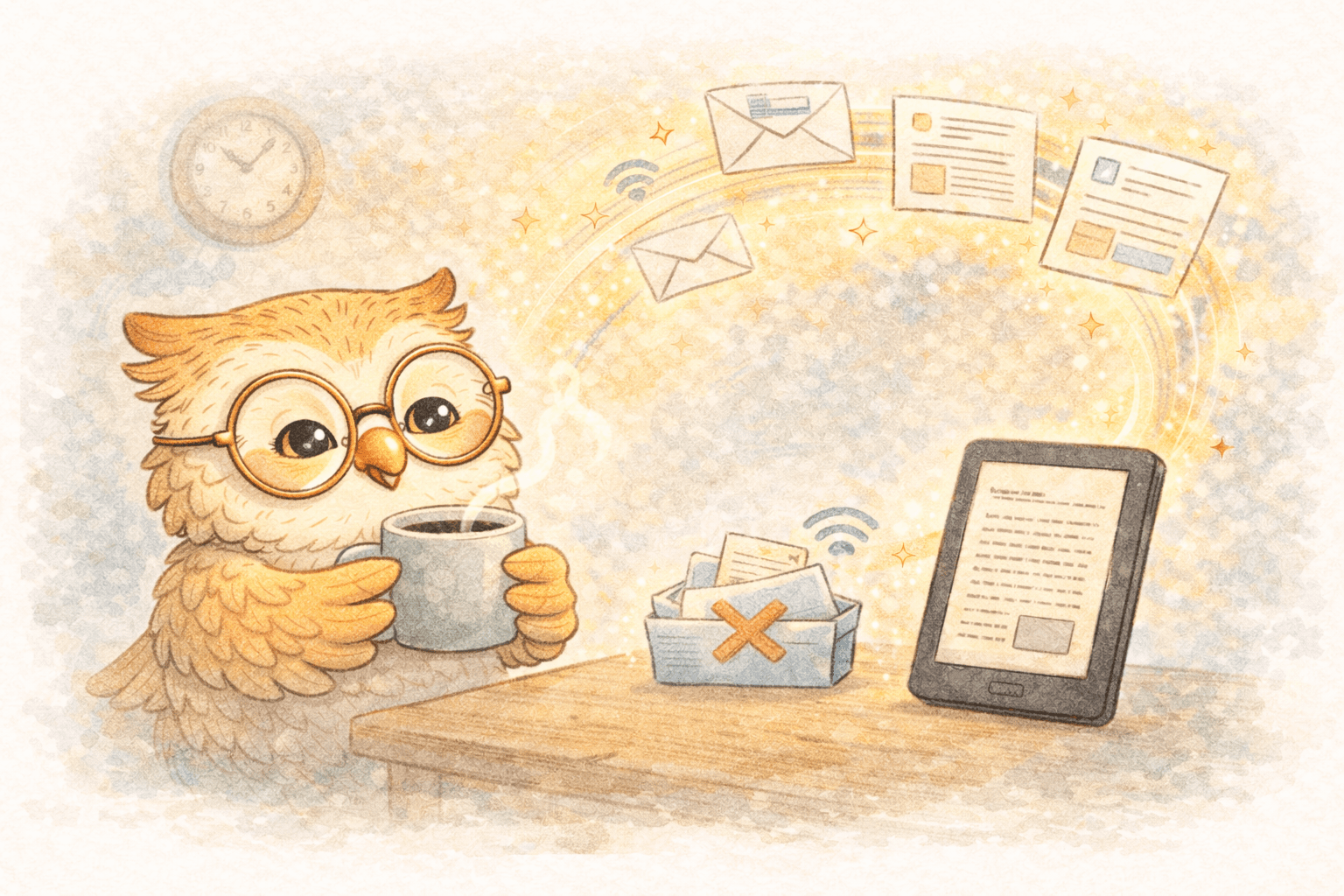
Here’s the better move: send newsletters to your e-reader so they become reading instead of email. Clean formatting. No distractions. A real queue you’ll actually finish.
This post explains why newsletters belong on e-ink, why the old delivery methods suck, and why a cloud system is the missing piece that makes the whole workflow stick.
Why newsletters don’t get read (it’s your inbox’s fault)
Newsletters are long-form content. Your inbox is a to-do list. Mixing them is like storing your groceries in the laundry hamper.
Common failure modes:
- You keep them “unread” to remember them (lol)
- You star them, archive them, label them… and never open them again
- You read them on your phone and immediately regret your life choices
You don’t need more willpower. You need separation:
- Inbox = action
- E-reader = reading
Why e-ink is the best place for newsletters 📚
E-readers (Kindle, Boox) win for newsletters because they’re built for sustained reading:
- Less eye strain (no glowing rectangle screaming at your eyeballs)
- Distraction-free (no notifications, no tabs, no doomscroll)
- Better retention (you read slower and actually absorb things)
- Long battery life (weeks, not hours)
If your goal is “read more of what I subscribed to,” e-ink is the right medium.
Why the “traditional” ways to send newsletters are annoying
1) Forward-to-Kindle email
It works… technically.
- Formatting often breaks (images, spacing, weird headers)
- It’s manual unless you set up filters/rules
- You still don’t get real organization
- It’s slow enough to discourage you
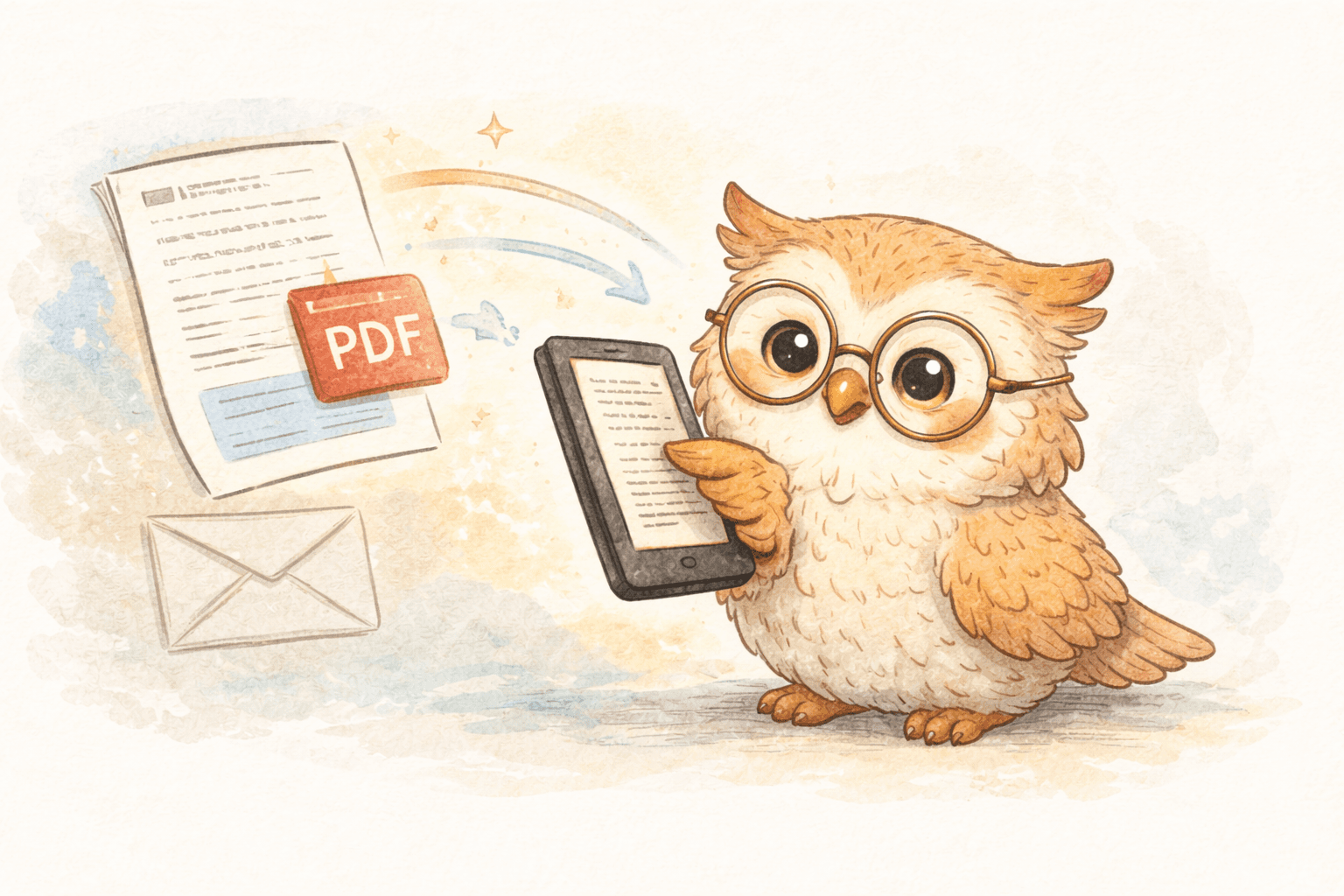
2) PDFs + cable sideloading
Sure, if you love 2011.
- Save → print to PDF → plug in cable → copy file → eject → hope it shows up
- It’s a hobby, not a workflow
3) Web clipping / random tools
Usually produces:
- ugly layouts
- missing images
- broken typography
- “why does this look like garbage” energy
You want newsletters to feel like books, not like corrupted receipts.
The real upgrade: a cloud reading pipeline ☁️
Here’s the key idea: cloud doesn’t just deliver content—it manages it.
A proper newsletter-to-e-reader system should do four things:
- Capture newsletters consistently (not “when you remember”)
- Convert them into clean, readable e-ink formats (usually EPUB)
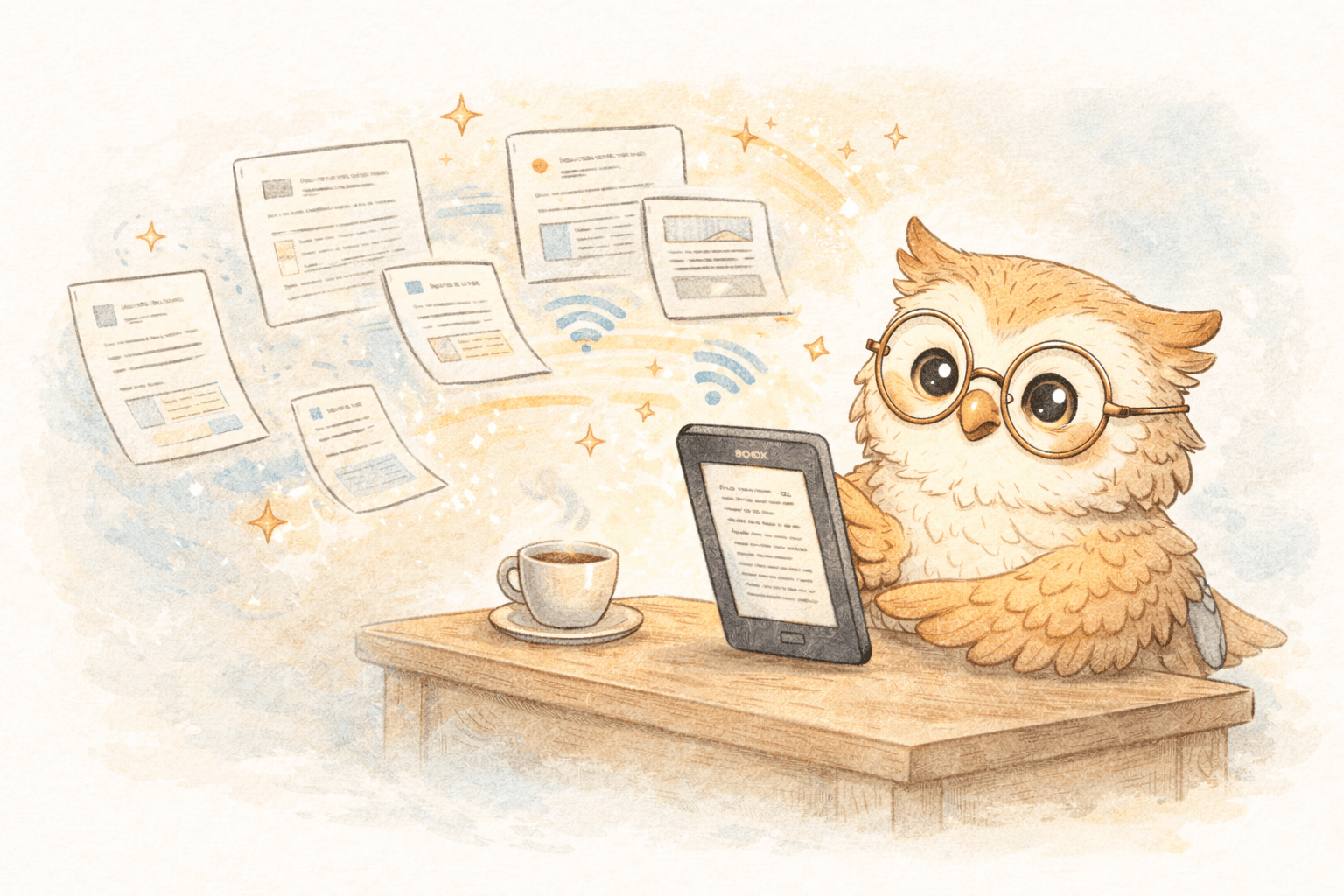
- Deliver them fast to your device(s)
- Manage + back up your library permanently
That last part is what most people miss.
What cloud adds that your device can’t
- 🗂️ Content management: reading queue, tags, folders, search, “read later” that actually works
- 💾 Permanent backup: if you lose/replace your Kindle/Boox, your library isn’t gone
- 📱 Multiple devices: read on Kindle at night, Boox at desk, phone app when stuck in a line
- 🧹 Curation: separate “worth reading” from inbox sludge; keep your queue intentional
In other words: your e-reader becomes the reading surface, and the cloud becomes the library brain.
A simple workflow that actually sticks
Step 1: Route newsletters into a “reading inbox”
Instead of reading newsletters in email, forward them to your reading pipeline.
- Set up email rules (Gmail/Outlook) so specific senders forward automatically
- Or forward manually for “only the good ones”
Step 2: Convert to e-ink friendly format
The system should:
- strip tracking pixels, email chrome, and clutter
- preserve headings, links, and images where useful
- output a clean EPUB (or Kindle-friendly equivalent)
Step 3: Deliver to your e-reader fast
If delivery is slow or inconsistent, you won’t trust it—and then you won’t use it.
Step 4: Read + archive like a grown-up
- Read from a queue
- Archive what you finish
- Delete what you don’t care about (yes, you’re allowed)
This is how you prevent the “900 saved items” problem.
Where LibSpace fits 🚀
LibSpace is designed for exactly this: get newsletters and long-form content onto e-readers fast, clean, and organized.
What you get:
- ⚡ Fast delivery to Kindle, Boox, or any e-reader that syncs with Google Drive or Dropbox
- 🧼 Clean conversion to e-ink-friendly formats (so newsletters look like reading, not email)
- ☁️ Cloud library + queue for content management (not just dumping files on a device)
- 💾 Permanent backup so your curated library survives device upgrades and replacements
- 📚 Multi-device support so you're not married to one piece of hardware forever
LibSpace integrates directly with Kindle and Boox devices. Plus, if your e-reader supports Google Drive or Dropbox (like Supernote, PocketBook, or others), LibSpace works with those too.
It turns newsletters into a curated reading stream, not inbox clutter.
Quick setup (so you can stop pretending you’ll “get to it”)
- Pick your top 5 newsletters (start small)
- Set up forwarding rules to your LibSpace address (or forward manually at first)
- Read them on your e-reader during a dedicated block (morning coffee or evening wind-down)
- Unsubscribe ruthlessly from anything you don’t actually read
You’ll know in a week if this works—because you’ll either finish newsletters… or you won’t.
Strong conversion CTA 📣
If your inbox is your newsletter library, you don’t have a newsletter library—you have a pile.
Move newsletters to your e-reader where they belong.
Then back that up with a cloud system that gives you:
- a real reading queue
- content management
- multi-device flexibility
- permanent backup when you replace your device
Start with a handful of newsletters and prove it to yourself.
If you want the fast path: try LibSpace and turn “I should read that” into “I read that.” 📚✅
Darcy Reno
Founder of LibSpace. 25+ years in technology leadership across the media and entertainment industry — including roles at Constellation Software, Electronic Arts, and Technicolor, and working alongside studios like DreamWorks Animation, Disney, and Nickelodeon. A passionate reader, Darcy built LibSpace to bridge the gap between online content and e-readers, with a focus on long-form articles, research, and journalism.
Try LibSpace Free for 30 Days
Send articles, documents, and web pages to your e-reader in seconds. No credit card required.