Save Articles to Boox in Seconds: Skip the Cable Hassle
📱
Remember when saving an article to your e-reader meant connecting a USB cable, manually converting files, and hoping the formatting didn't get completely mangled? Yeah, those days were painful. If you're a Boox user—or any e-reader enthusiast, really—you've probably experienced the frustration of wanting to read something on your device but facing a technical obstacle course just to make it happen.
The good news? That workflow is completely outdated. Modern e-readers deserve modern solutions, and in this guide, we're exploring how you can save articles to your Boox device in literally seconds, without touching a single cable.
The Problem With Traditional E-Reader Workflows 🔌
Let's be honest: the traditional way of getting content onto e-readers isn't exactly user-friendly. If you've been relying on cables, manual conversions, and file management, you're putting up with an unnecessary amount of friction.
Why Cable-Based Transfers Feel Like a Relic
The old workflow typically looked something like this:
- Find an interesting article online
- Download it (or manually save it)
- Connect your e-reader to your computer via USB cable
- Navigate through your file system
- Convert the file to the right format (if needed)
- Copy it to the device
- Disconnect and hope it synced properly
That's seven steps just to read something. Seven! And if the article wasn't already in a compatible format? Add another few minutes of conversion time.
Why this approach fails modern readers:
- It's interrupting. By the time you've completed all these steps, you've lost the momentum of your reading flow
- It requires planning. You need to think about the format, compatible file types, and device-specific requirements upfront
- It's device-dependent. Different devices have different requirements, making the process inconsistent
- It removes spontaneity. You can't just save an article impulsively while scrolling through your phone or browsing at work
What We Actually Want From Our E-Readers
Modern e-reader users have different expectations. We want to:
- Save content with a single click (or tap)
- Have it appear on our device almost immediately
- Not think about technical details like file formats or device compatibility
- Maintain the ability to read distraction-free
- Enjoy proper formatting without manual tweaking
This isn't asking for much—it's just asking for a better experience than what's been available for the past decade.
The E-Reader Revolution: Why Boox Devices Are Changing The Game 🚀
If you've been following the e-reader market recently, you've probably noticed that devices like the Onyx Boox have completely transformed what's possible with e-ink displays. These aren't your grandma's Kindle anymore (no disrespect to grandmas with Kindles—you're living your best life).
What Makes Modern E-Readers So Good
E-ink technology has evolved dramatically:
- Higher refresh rates mean less ghosting and better responsiveness
- Better contrast ratios make text sharper and more readable
- Front-lit displays enable comfortable reading in any lighting condition
- Color e-ink options are becoming more accessible
- Processing power has improved significantly
Boox devices specifically offer:
- Full Android operating system for extended functionality
- Customizable software and app support
- Cloud synchronization capabilities
- Multiple connectivity options
- Superior writing and note-taking features (for select models)
The hardware has caught up to what users actually want. The problem isn't the devices—it's the workflow for getting content onto them.
The Cable-Free Solution: Wireless Content Delivery to Your E-Reader ⚡
So how do we skip the cables and get articles to our Boox devices in seconds? The answer lies in modern cloud-based solutions designed specifically for e-reader workflows.
How Wireless Delivery Works
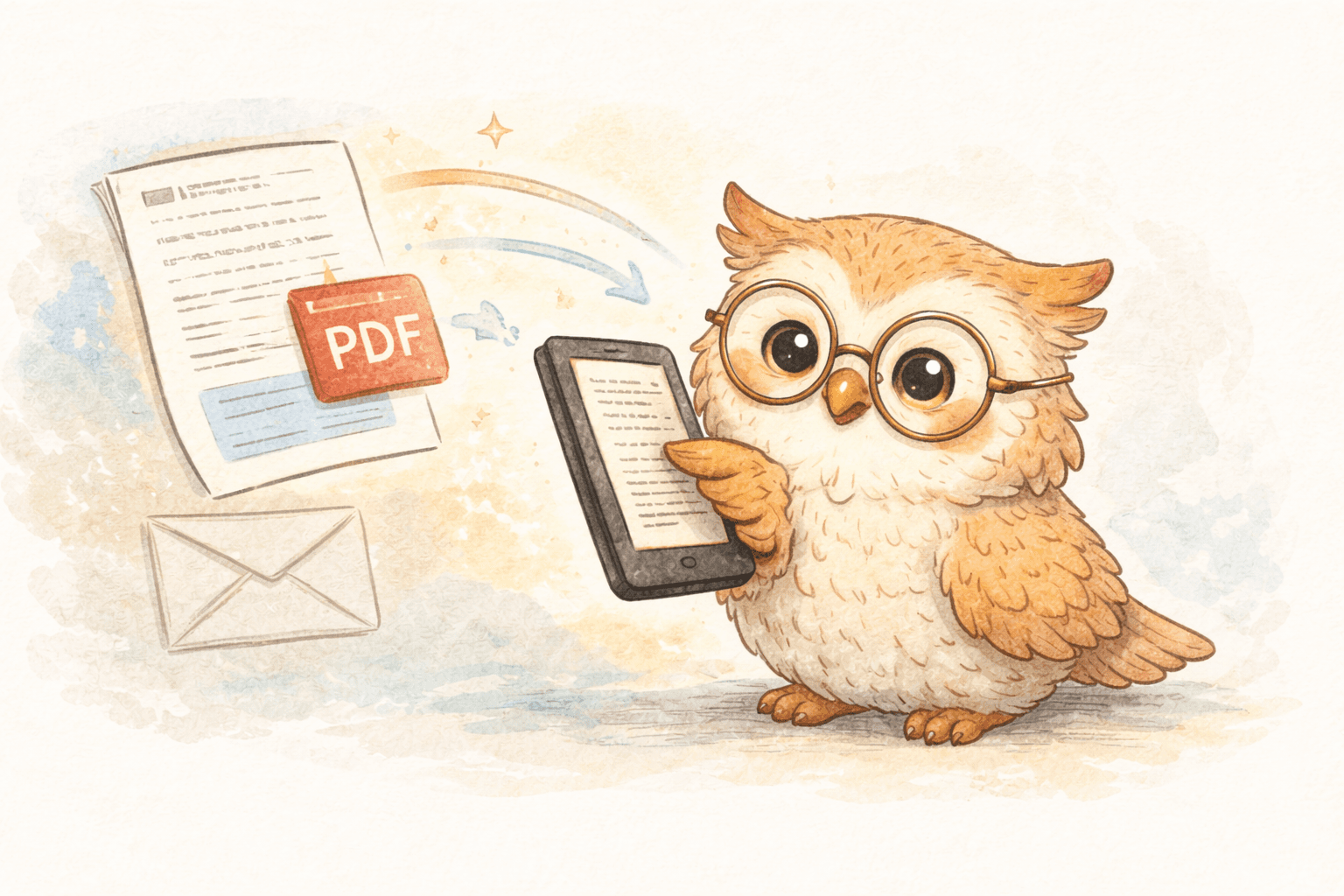
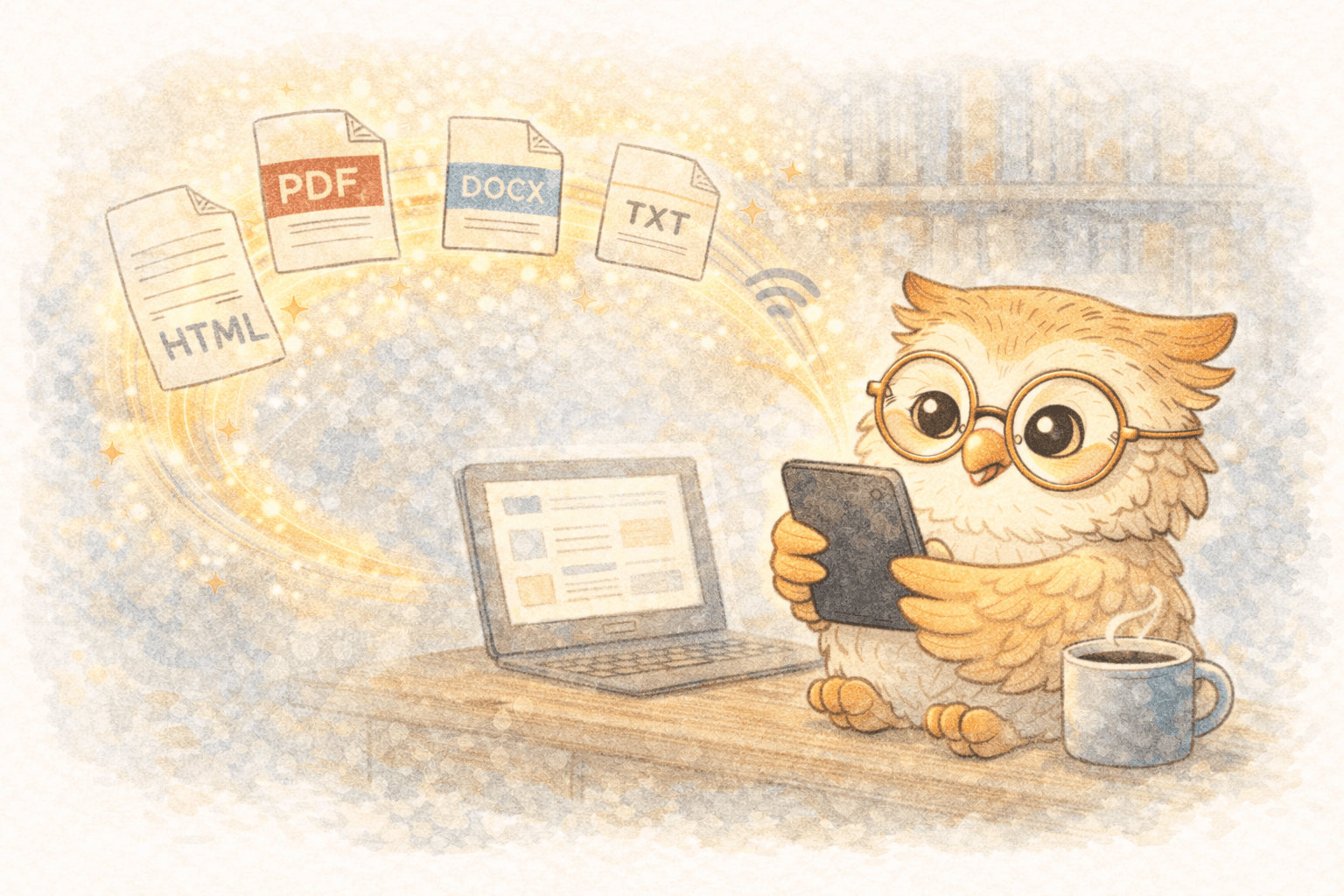
Instead of connecting via USB, modern e-reader services use cloud synchronization to push content directly to your device. Here's what that workflow looks like:
- See an interesting article or document
- Click a browser extension (or use a share menu)
- Content is automatically converted to an e-reader-friendly format
- File is pushed to your device via cloud sync
- Article appears on your e-reader (typically within seconds)
That's it. Four steps instead of seven. And most importantly, you're not thinking about formats, compatibility, or cables.
The Technology Behind Instant Delivery
Services that specialize in e-reader content delivery use several technologies working together:
Cloud synchronization: By leveraging the cloud services that Boox devices already connect to, content can be pushed directly to your device without manual intervention
Format optimization: Content is automatically converted to EPUB or other e-reader-compatible formats during processing, not on your device
Smart processing: Articles are cleaned of ads, trackers, and unnecessary elements, leaving only readable content optimized for e-ink displays
Direct API integration: For services supporting Kindle devices, Send-to-Kindle functionality enables equally seamless delivery
Why This Matters for Different Types of Readers 👥
The benefits of cable-free, click-to-read workflows extend across different reading habits and use cases.
Academic and Research Professionals
If you're regularly reading research papers, journals, or preprints:
- Direct arXiv and medRxiv integration means you can save papers with one click instead of downloading and managing files
- Annotation export allows you to highlight papers on your e-reader and export notes back to your research management tools
- Batch processing lets you queue multiple papers and have them delivered to your device throughout the day
Journalists and Long-Form Content Enthusiasts
For those who consume a lot of written content:
- Website formatting cleanup removes sidebar clutter, comments, and ads, leaving only the story
- Multi-source aggregation means you can save articles from multiple publications and read them all in one place on your device
- Archive functionality lets you build a personal library of interesting articles for later reference
Newsletter Subscribers
Newsletter readership has exploded, but reading long newsletters on your phone isn't ideal:
- Direct email forwarding allows you to send newsletter content straight to your e-reader
- Scheduled delivery means you can batch newsletters and have them appear as a single, well-formatted document each morning
- Easy archiving lets you build a searchable archive of newsletters you've read
Technical Professionals
If you save documentation, tutorials, and reference materials:
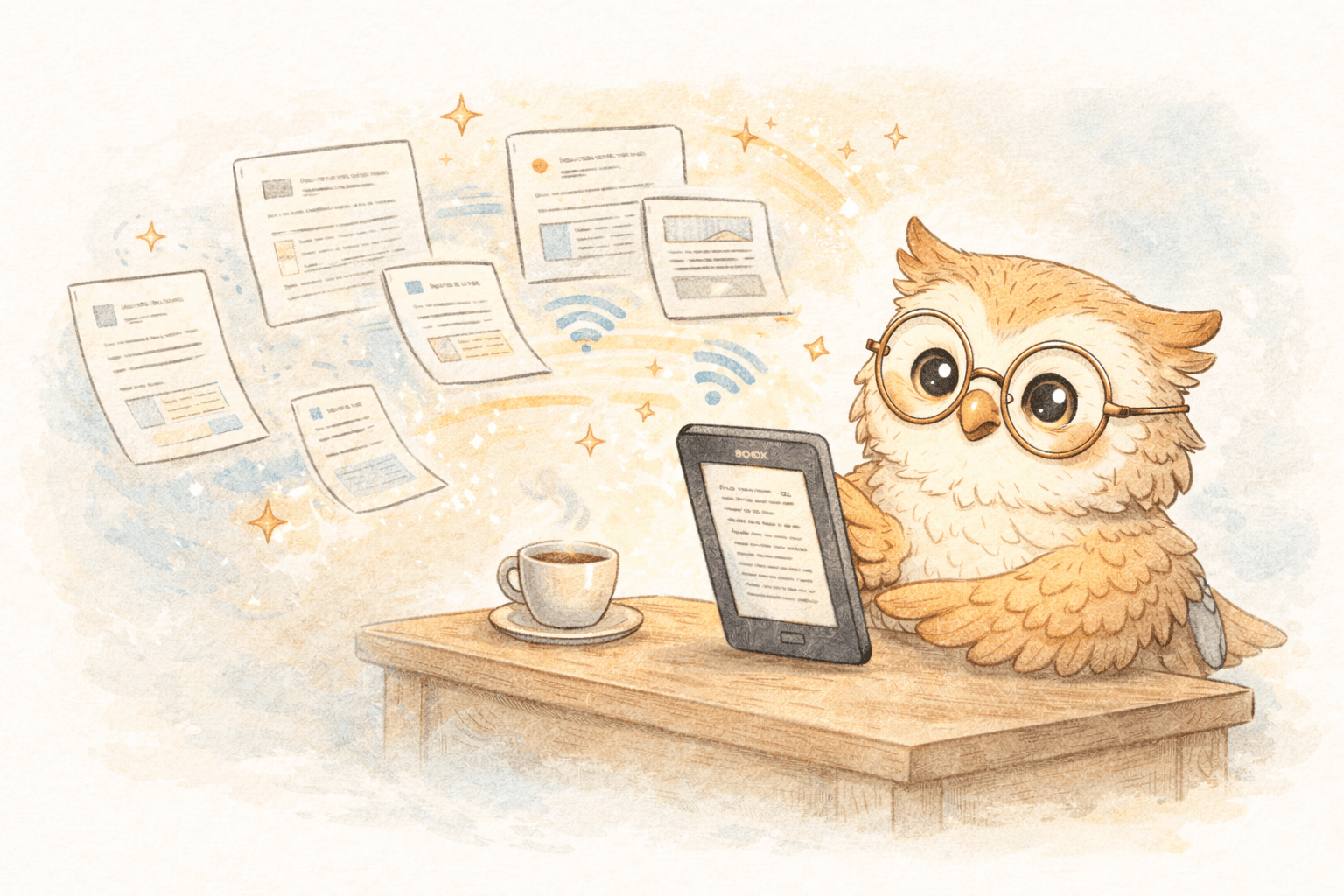
- Multi-format support means you can send PDFs, DOCX files, Markdown documents, and more
- Instant availability ensures reference materials are available offline whenever you need them
- Easy updates let you resend documents as they're updated without cluttering your device storage
Setting Up Wireless E-Reader Delivery: What You Need 🛠️
Getting started with cable-free e-reader workflows is surprisingly straightforward. Here's what you need:
Hardware Requirements
Honestly? Minimal. You need:
- A Boox device (or compatible e-reader like Kindle)
- Internet connection for initial setup
- A computer or phone with a web browser
That's it. You don't need cables, adapters, or special hardware.
Software and Service Requirements
You'll want:
- A browser extension for easy article saving
- An account with a service that handles cloud delivery to e-readers
- Optional: Integration with your note-taking or research tools (like Notion, Readwise, or Google Docs)
Initial Setup Steps
The process is typically:
- Create an account with your chosen e-reader delivery service
- Connect your e-reader device by enabling cloud sync and linking your account
- Install the browser extension for one-click saving
- Configure delivery preferences (optional formatting, timing, etc.)
- Start saving content immediately
Most of this can be completed in 5-10 minutes. The longest part is usually just waiting for the connection to sync for the first time.
The Magic of One-Click Saving 🎯
Once you've set up wireless delivery, the actual experience of saving articles becomes almost frictionless. Let's walk through what this looks like in practice:
In Your Web Browser
You're reading an article that catches your interest. Instead of bookmarking it (then forgetting it) or trying to read it on your phone, you:
- Click the extension icon (usually just appears in your toolbar)
- Watch a confirmation that it's been saved
- Go back to browsing
That's genuinely it. No configuration, no file selection, no format decisions.
On Your E-Reader
Depending on your service and device:
- Boox devices typically receive articles within 10-30 seconds
- Kindle devices usually receive content within 1-2 minutes
- Content appears in your library or a designated folder
- Everything is properly formatted and ready to read immediately
The Experience of Reading
Here's where the real benefit becomes apparent:
- No distractions. Content is delivered without ads, tracking elements, or sidebar clutter
- Properly formatted. Text is optimized for e-ink display with appropriate margins, font sizing, and spacing
- Long battery life. Your e-reader's battery lasts for days or weeks, not hours
- No notifications. E-readers don't interrupt you with notifications or alerts
- Genuinely distraction-free. Just you, the text, and the page
Comparing Article Saving Options 📊
Not all article-saving services are created equal. Here's how different approaches compare:
Traditional Read-It-Later Services (Pocket, Instapaper)
Pros:
- Large user base
- Web interface for accessing saved content
- Mobile apps available
Cons:
- Not optimized for e-reader devices
- Require reading on phones or computers
- Involve subscriptions but don't directly support e-readers
Cable-Based Manual Transfer
Pros:
- No subscription required
- Full control over files
- Works with any e-reader
Cons:
- Time-consuming and tedious
- Requires format conversion knowledge
- Not suitable for spontaneous saving
- Device dependent and inconsistent
E-Reader Optimized Delivery Services
Pros:
- Designed specifically for e-reader workflows
- Instant delivery to devices
- Automatic format conversion
- No cable required
- Works with major e-reader brands
- Affordable pricing
Cons:
- Smaller community than general read-it-later services
- Requires subscription
- Device must be cloud-connected
The clear winner for actual e-reader users? Dedicated services designed specifically for this workflow.
LibSpace: E-Reader Delivery Reimagined ✨
If you're looking for a service that truly understands e-reader workflows, LibSpace has redefined what's possible. It's built specifically for users like you—people who chose e-readers for a reason and want a seamless way to get content onto them.
What Sets It Apart
Incredible speed: Articles typically appear on Boox devices within seconds (under 30 seconds). Seriously, it's fast enough that you'll wonder if it actually worked the first time. Kindle delivery takes 1-2 minutes, which is still pretty remarkable.
Format flexibility: Save web articles? Done. Upload PDFs? Supported. Want to sync research papers from arXiv? Built in. Markdown files, DOCX documents, MOBI, AZW3, RTF—it handles all of it and converts everything to beautifully formatted content for your device.
Academic integration: If you're a researcher or student, you can import papers directly from arXiv and medRxiv. No more downloading, converting, and manually transferring—just click and it appears on your device.
Knowledge management integration: Your highlights and notes can be exported to Notion, Google Docs, and Readwise. This means saving an article isn't just about reading it—it's about integrating it into your actual knowledge workflow.
Device compatibility: Works with all Onyx Boox models, Amazon Kindle devices, and any e-reader that syncs with Google Drive or Dropbox (like Supernote, PocketBook, and others). Whether you're using the latest Boox with a color display, a standard Kindle, or another e-reader, you get the same seamless experience.
Privacy first: Encryption and secure file transfer mean your reading habits and content remain private. No tracking, no data mining, no ads.
No friction: There's no app to install on your device (if you don't want one), no complicated setup, and no manual configuration required beyond the initial connection.
Pricing That Makes Sense
LibSpace operates on a freemium model:
- 30-day free trial (no credit card required) lets you experience the service fully
- $0.99/month or $9.99/year for unlimited usage
- Cancel anytime with no questions asked
For most users, that's less than the cost of a single coffee per month. For what you're getting—genuine distraction-free reading on your favorite device—it's hard to beat.
Maximizing Your E-Reader Reading Experience 📚
Once you've set up a cable-free workflow, here are some strategies to get the most out of your e-reader:
Organize Your Saved Content
Create a system for what you save:
- Quick reads for articles you want to finish today
- Deep dives for longer essays and research papers
- Reference materials for documentation and tutorials
- Archive for content you might want to revisit later
Establish a Reading Rhythm
Instead of reading everything immediately:
- Batch your saves. Save articles throughout the day, read them in dedicated reading windows
- Schedule reading time. Treat e-reader reading like an appointment with yourself
- Separate devices if possible. Keep your e-reader away from other devices during reading time
Export and Integrate Your Highlights
If your service supports exporting annotations:
- Send highlights to note-taking apps to build a searchable knowledge base
- Review notes regularly to reinforce learning and discovery
- Create connections between articles by reviewing related highlights
Manage Storage and Library
As your library grows:
- Archive old content to keep your library manageable
- Delete content you've finished that you won't reference again (it's okay to let things go)
- Create collections by topic or date to make content discoverable
Frequently Asked Questions About E-Reader Content Delivery 🤔
Will saving to my e-reader work if I don't have WiFi?
You'll need WiFi to initially save and send content to your device. Once the content is on your e-reader, you can read it offline indefinitely. Most e-readers maintain WiFi connection long enough for content to sync throughout the day.
What happens if I save something and then lose internet connection?
Content is queued on the service's servers. Once you reconnect your e-reader to WiFi, it will automatically sync. You won't lose anything.
Can I save video content?
Most e-reader services focus on text-based and document content. Videos won't transfer, but any article discussing video content will transfer as text with links (which you can access via the browser on some e-readers).
Will this drain my e-reader's battery?
No. The actual reading experience uses minimal battery. The WiFi connection uses slightly more battery, but e-readers are designed for constant connectivity and still maintain excellent battery life (days to weeks).
Can I use this with any e-reader?
LibSpace integrates directly with Boox and Kindle devices for instant sync. Plus, if your e-reader supports Google Drive or Dropbox (like Supernote, PocketBook, or others), LibSpace works with those too—making it compatible with virtually any modern e-reader.
What if an article doesn't format properly?
Services designed for e-readers handle formatting automatically, and most articles convert beautifully. If something does format strangely, you can usually adjust settings or try re-saving. The service's support team can help troubleshoot specific issues.
The Future of E-Reader Reading 🌟
E-readers have matured into genuinely excellent devices. The hardware is there. The technology is there. What was missing was a workflow that actually matches the quality of the devices themselves.
Cable-free, one-click article delivery isn't a luxury feature—it's the natural evolution of how e-reader content should work. As more people discover e-readers and appreciate the value of distraction-free reading, demand for seamless content delivery will only grow.
The good news? That future is already here. You don't have to wait for technology to catch up. The solution exists right now, and it's within reach.
Take Action: Start Reading Better Today 🚀
If you're tired of the cable hassle and ready to experience what modern e-reader workflows can be, here's your next step:
- Evaluate your current workflow. How much time do you spend struggling with format conversion and cable connections?
- Try a cable-free service. Most offer free trials with no credit card required. Experience the difference yourself.
- Adjust your reading habits. Once you can save articles effortlessly, you might find yourself reading more intentionally and more deeply.
- Build your knowledge practice. Use article highlighting and note export to create a genuine knowledge management system.
- Share the discovery. If you find a service that works well, tell other e-reader users. The e-reader community is passionate and always looking for better solutions.
The cable is unnecessary. The friction is optional. The better reading experience? That's waiting for you right now.
Your Boox device has been ready for this experience. The real question is: are you ready to skip the cable hassle and start reading the way modern e-readers deserve to be used?
Ready to experience cable-free e-reader reading? Check out LibSpace and see how different your reading life can be when articles arrive on your device in seconds, not hours. Start your free 30-day trial today—no credit card required.
Darcy Reno
Founder of LibSpace. 25+ years in technology leadership across the media and entertainment industry — including roles at Constellation Software, Electronic Arts, and Technicolor, and working alongside studios like DreamWorks Animation, Disney, and Nickelodeon. A passionate reader, Darcy built LibSpace to bridge the gap between online content and e-readers, with a focus on long-form articles, research, and journalism.
Try LibSpace Free for 30 Days
Send articles, documents, and web pages to your e-reader in seconds. No credit card required.