Save Newsletter Emails to Your Kindle: Stop Missing Digest Issues
📧 Save Newsletter Emails to Your Kindle (and Finally Enjoy Reading Them)
You subscribed to that newsletter for a reason. It’s thoughtful, well-written, and shows up every Wednesday with ideas you genuinely care about.
And yet… it lands in your inbox, you glance at it on your phone, tell yourself “I’ll read this later,” and somehow three weeks pass without you ever really getting to it.
If that sounds familiar, you’re in very good company. Most people don’t have a newsletter problem — they have an inbox problem.
This guide walks through a better way to save newsletter emails to your Kindle (or Boox), so they actually get read — and why the biggest upgrade isn’t just delivery, but having a cloud reading library that keeps your content organized, backed up, and available across devices.
Why newsletters are easy to miss (even the good ones) 📱
Newsletters tend to fall through the cracks for a few very human reasons:
Email isn’t built for deep reading
Inbox tools are designed for quick decisions, not focused attention. Newsletters ask for time and mental space — which email just doesn’t encourage.
Screens invite distraction
Phones and laptops are great for scanning, not so great for reading 3,000 thoughtful words without interruptions.
Reading gets fragmented
You start on your phone, plan to finish later, and never quite come back to it. The content stays half-read and easy to forget.
Archives aren’t pleasant to use
Even when newsletters are stored “somewhere,” finding that one great issue from a month ago is rarely enjoyable.
Why Kindle (and other e-readers) are perfect for newsletters 📚
E-readers shine at exactly what newsletters need:
- Distraction-free reading
- Comfortable, paper-like screens
- Offline access
- A clear, intentional reading space
When newsletters live on your Kindle or Boox, they stop competing with email and start behaving like what they really are: long-form writing worth your attention.
The challenge has never been the device — it’s been getting the content there easily and cleanly.
Traditional ways of sending newsletters to Kindle (and their limits) 🔄
People have tried lots of approaches over the years:
Forwarding to Send-to-Kindle
It works, but formatting can be unpredictable, and email footers and clutter often come along for the ride.
Copy-paste into documents
Totally possible, but not something you’ll want to do week after week.
Screenshots or PDFs
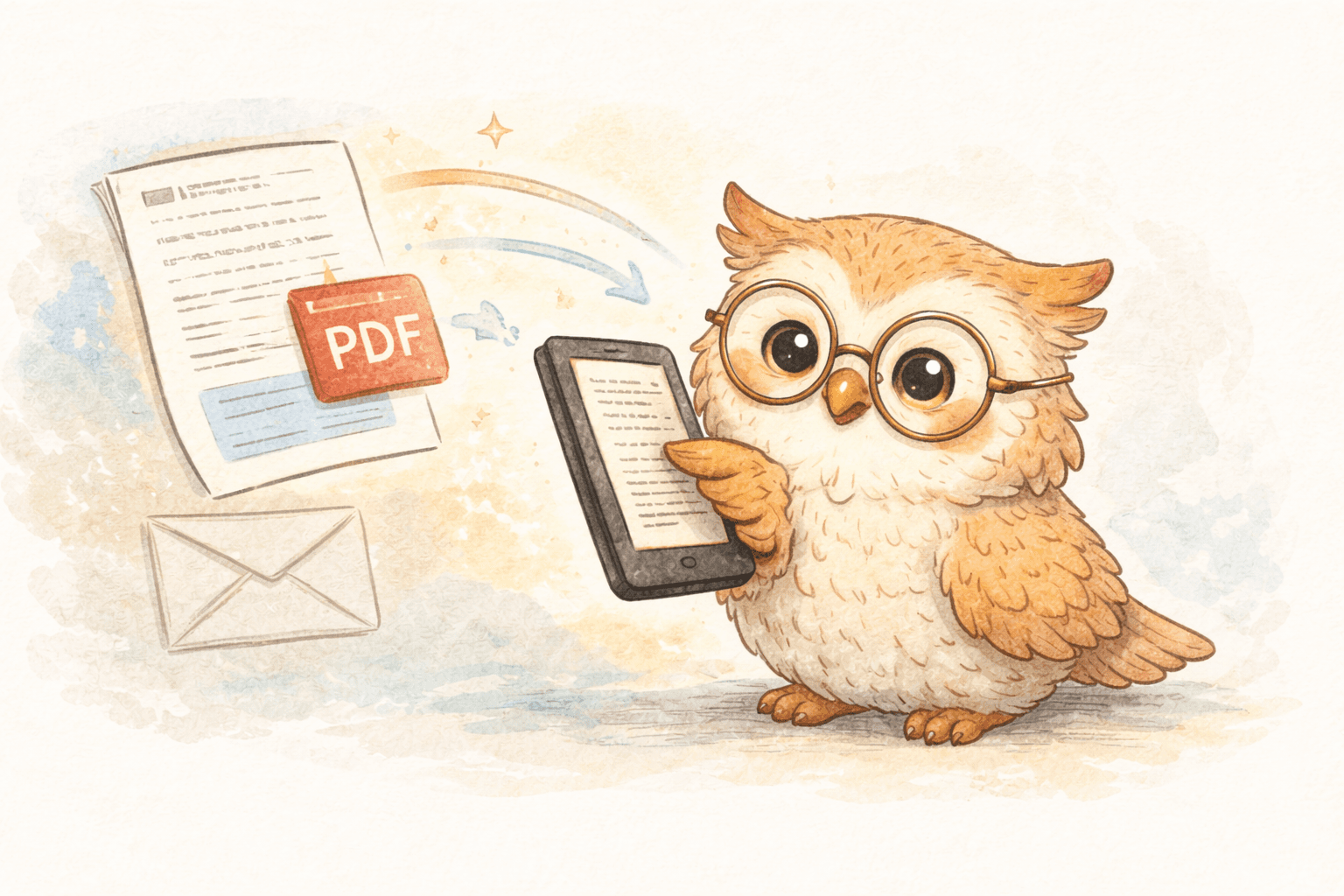
They preserve layout, but usually result in tiny text and large files that don’t feel great on e-ink.
Read-it-later services
Helpful for saving content, but many aren’t designed with e-readers in mind, so newsletters never quite make it to your device.
All of these technically work — they just tend not to stick.
The real upgrade: a cloud reading library ☁️📖
The most meaningful improvement isn’t just sending newsletters to your Kindle — it’s where they live long-term.
A cloud-based reading system gives you:
📂 Content management
Your newsletters become an intentional reading queue, not a pile of emails. You can browse, search, and revisit them easily.
🔒 Permanent backup
Your reading archive doesn’t disappear if:
- you replace your Kindle
- you reset a device
- something gets lost or damaged
Your content lives safely in the cloud, ready whenever you need it.
🔁 Multi-device flexibility
Read on one device today, switch to another tomorrow — your library comes with you. Your reading life isn’t tied to a single piece of hardware.
This is where the experience goes from “nice trick” to sustainable habit.
How LibSpace makes newsletter reading effortless ✨
LibSpace is built specifically for people who prefer reading on e-ink and want a smooth way to get content there — without cables, manual formatting, or extra steps.
For newsletters, that means:
- One-click saving from the web version of a newsletter
- Clean, e-reader-friendly formatting (no email clutter)
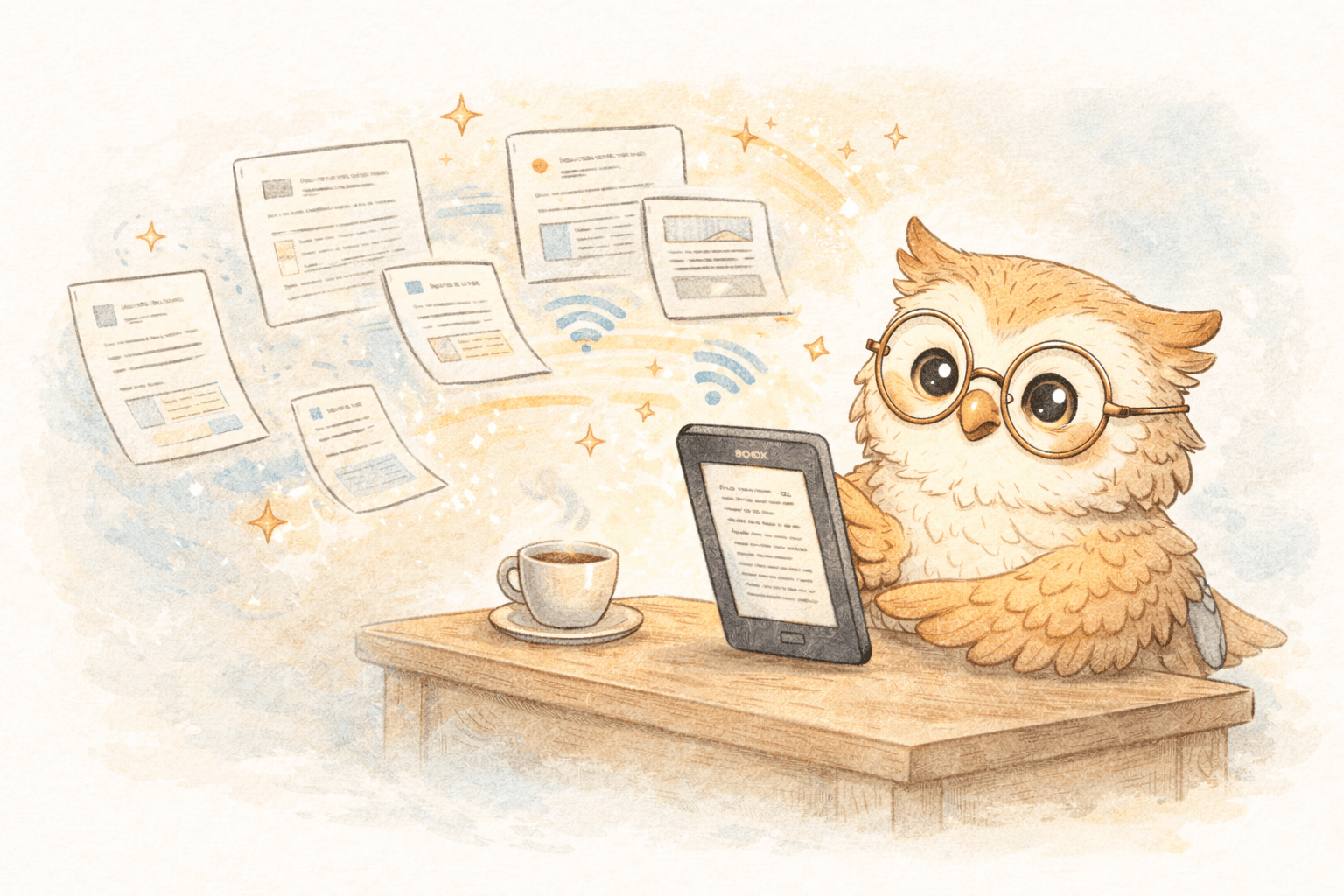
- Fast delivery to Kindle, Boox, or any e-reader that syncs with Google Drive or Dropbox
- A backed-up cloud library that keeps everything organized
- Support for multiple devices now and in the future
LibSpace integrates directly with Kindle and Boox devices. Plus, if your e-reader supports Google Drive or Dropbox (like Supernote, PocketBook, or others), LibSpace works with those too.
Your e-reader becomes the place you read — not the only place your content exists.
A simple, realistic newsletter workflow 🛠️
Here’s what it looks like in practice:
- A newsletter arrives in your inbox
- You open the web version
- Click the LibSpace browser extension
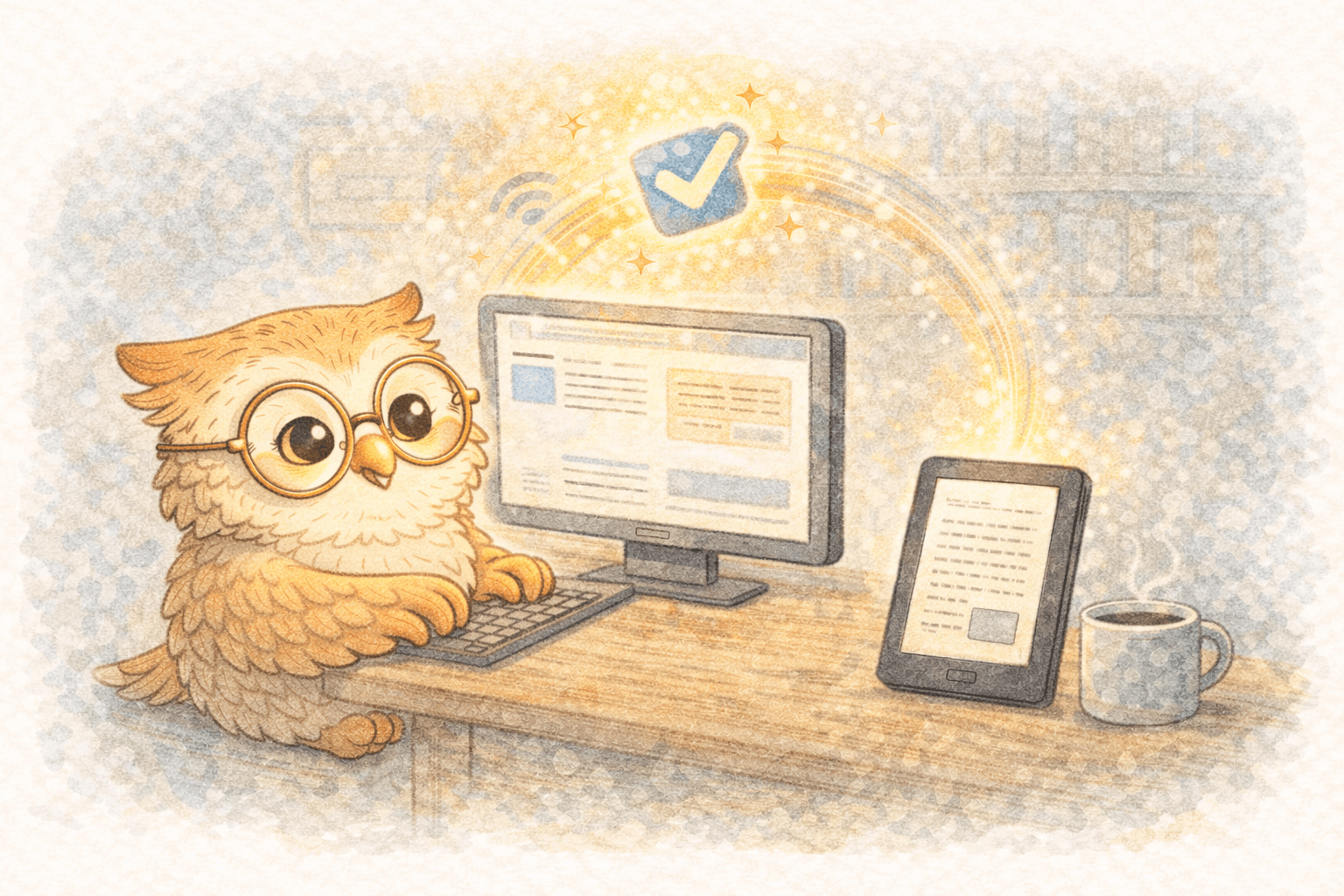
- The newsletter shows up on your e-reader shortly after
- You read it when you actually have time and focus
That’s it. No forwarding rules, no formatting decisions, no cleanup later.
Tips to keep your reading calm (not overwhelming) 💡
- Start small — pick 2–3 newsletters you truly enjoy
- Batch your reading — weekends, evenings, commutes
- Archive what you finish — keep your library intentional
- Highlight what matters — and export notes later if you want
The goal isn’t to read everything — it’s to enjoy what you choose.
Why this works long-term 🌱
When newsletters live:
- outside your inbox
- in a distraction-free space
- with reliable backup
- and without device lock-in
…they stop feeling like obligations and start feeling like a pleasure again.
Reading becomes something you look forward to, not something you feel behind on.
Ready to try it? 🚀
If you’ve ever thought “I wish I actually read the newsletters I subscribe to”, this is a great place to start.
LibSpace offers a 30-day free trial (no credit card required).
Save your next newsletter, read it on your e-reader, and see how it feels.
👉 Start your free trial at LibSpace.io
Your inbox can stay for logistics.
Your e-reader can become your calm, curated reading space. 📚✨
Darcy Reno
Founder of LibSpace. 25+ years in technology leadership across the media and entertainment industry — including roles at Constellation Software, Electronic Arts, and Technicolor, and working alongside studios like DreamWorks Animation, Disney, and Nickelodeon. A passionate reader, Darcy built LibSpace to bridge the gap between online content and e-readers, with a focus on long-form articles, research, and journalism.
Try LibSpace Free for 30 Days
Send articles, documents, and web pages to your e-reader in seconds. No credit card required.