Why E-Reader Users Abandon Read-It-Later Apps (And How to Fix It)
Why E-Reader Users Abandon Read-It-Later Apps (And How to Fix It) 📚
We've all been there. You're scrolling through your phone during lunch, stumble upon a fascinating 8,000-word article about climate science, and think, "Perfect for later when I have my e-reader in hand." You save it to your read-it-later app with the best intentions, close your browser, and... never actually read it.
If you're an e-reader enthusiast, you've probably experienced this frustrating cycle dozens of times. You own a beautiful Kindle or Boox device specifically for distraction-free reading. You want to consume quality long-form content on an e-ink screen. But somehow, your read-it-later service feels disconnected from your actual reading device. It sits in some cloud limbo—optimized for your phone, not your e-reader.
You're not alone. E-reader users are silently abandoning traditional read-it-later apps by the thousands. And the reasons why reveal a fundamental mismatch between how these services were designed and how e-reader users actually want to consume content.
Let's explore what's going wrong—and more importantly, how to fix it.
The E-Reader Revolution (And Why Read-It-Later Apps Missed It) 🔄
Over the past five years, e-reader usage has experienced a quiet renaissance. Unlike the smartphone boom that dominated the 2010s, e-readers have carved out a dedicated niche among readers who value deep focus, reduced eye strain, and distraction-free experiences.
The stats tell an interesting story:
- E-reader ownership remains steady among bibliophiles and professionals, with Kindle and Boox devices maintaining strong user bases
- Newsletter subscriptions have exploded, creating a constant stream of long-form content that readers want to consume offline
- Academic and professional reading has increasingly shifted to digital formats, particularly research papers and technical documentation
- Remote work culture has created a need for better document management and offline access across devices
Yet the read-it-later landscape hasn't evolved to match this shift.
The Problem: Apps Built for Phones, Not E-Readers
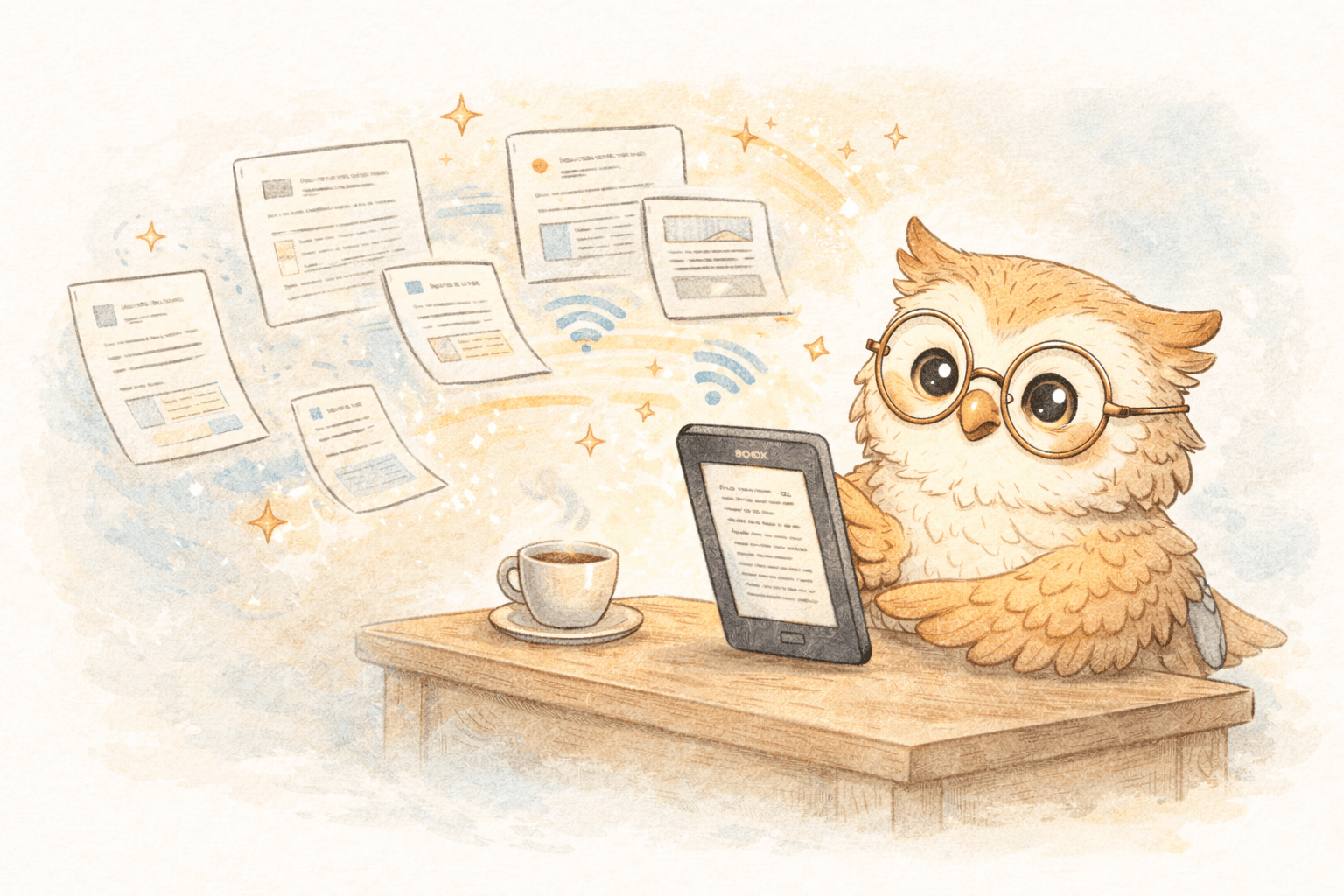
Traditional read-it-later services like Pocket, Instapaper, and their modern competitors were designed with a specific use case in mind: saving web content to read later on your phone or computer. The entire architecture assumes you'll return to their web interface or mobile app to consume the content.
Here's what this creates for e-reader users:
Friction Point #1: The Extra Step Even if you save an article to Pocket or Instapaper, actually getting it to your e-reader requires additional work. You might export to Kindle, manually convert formats, or use third-party tools. That single click becomes a multi-step process.
Friction Point #2: Format Optimization Content isn't converted with e-ink displays in mind. Text might reflow awkwardly, images could appear too large or small, and the overall reading experience feels like an afterthought rather than the primary use case.
Friction Point #3: Device Disconnection Your read-it-later app lives in one ecosystem (your phone/browser), while your primary reading device lives in another. There's no seamless sync. No automatic delivery. Just a gap between "saving" and "reading."
Friction Point #4: Feature Bloat Read-it-later apps load their interfaces with social features, AI summaries, highlighting tools, and countless other features—none of which enhance the core experience of reading on an e-reader. They add complexity where e-reader users want simplicity.
Why E-Reader Users Have Specific Needs 👥
To understand why e-reader enthusiasts are so frustrated, it helps to recognize who they are and what they actually want.
Profile: The Dedicated E-Reader User
E-reader users typically fall into several overlapping categories:
The Academic Researcher This person saves research papers from arXiv and medRxiv, newsletter digests from university mailing lists, and long-form analysis they need to deeply engage with. They want everything on their Boox or Kindle within seconds, beautifully formatted and ready for note-taking.
The Newsletter Devotee With hundreds of newsletters hitting their inbox daily, this user has curated a collection of high-quality writers. They want to read long-form newsletter content in a focused environment—not surrounded by email interface distractions or inbox notifications.
The Journalist/News Consumer These readers follow multiple news sources and want to consume in-depth journalism without phone notifications, push alerts, or the algorithmic feeds that traditional news apps use. E-ink provides the antidote to media addiction.
The Professional Developer/Technical Reader Technical documentation, coding tutorials, and reference materials need to be saved for offline access. E-readers provide a dedicated space away from IDE windows and Slack notifications.
The Casual Enthusiast These readers simply prefer the e-reading experience. Less screen fatigue, better focus, the tactile satisfaction of an e-ink device. They save content throughout the day and want it seamlessly available when they pick up their device.
What They Actually Want
When we talk to e-reader users about their ideal read-it-later solution, several consistent needs emerge:
- Speed - Content should arrive on their device in seconds, not hours
- Simplicity - One-click saving with zero additional steps
- Optimization - Articles should be formatted specifically for e-ink displays
- Format Support - Ability to handle PDFs, EPUBs, newsletters, web articles, and research papers
- Privacy - Secure, encrypted delivery without tracking or behavioral data collection
- Integration - Ability to export annotations and highlights to knowledge management systems
- Reliability - Consistent performance without dependency on third-party services
- Affordability - Pricing that reflects the specific nature of the service, not enterprise feature sets
The Hidden Costs of Band-Aid Solutions 💔
Many e-reader users have attempted to work around these gaps using workarounds and alternative tools. These "solutions" create their own problems.
Manual Side-Loading (The Cable Connection Struggle)
The Method: Saving articles as PDFs, converting them to EPUB, downloading to your computer, connecting your e-reader via USB, and manually placing files in the correct folder.
The Reality: This works, technically. But it's extraordinarily friction-heavy. A process that should take seconds now takes 5-10 minutes. That means you're much less likely to actually read that article you saved.
The Hidden Cost: You stop saving things. The mental friction becomes so high that you abandon the practice entirely, missing out on content that could be valuable.
Email Forwarding Hacks (The Messy Middle-Ground)
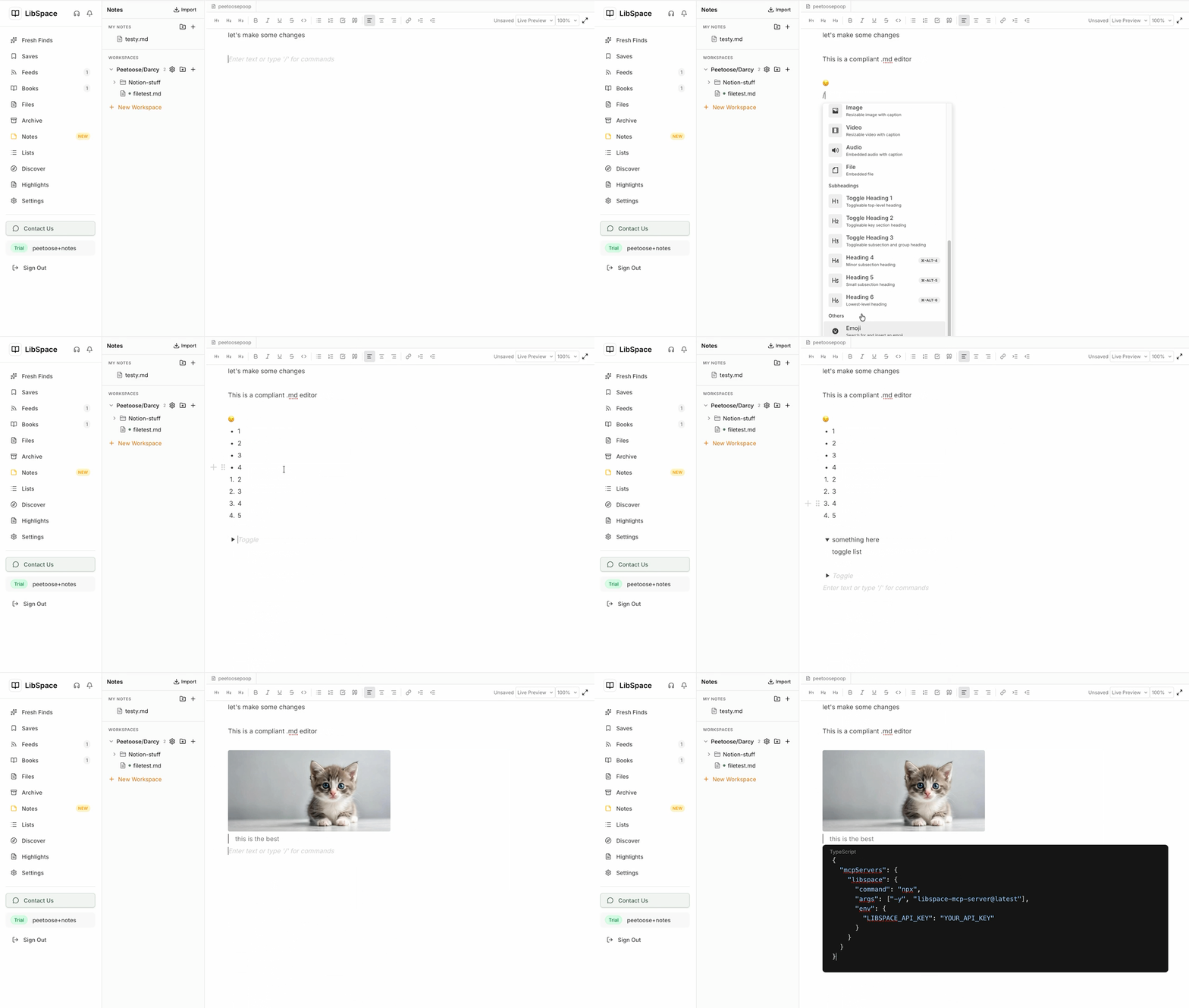
The Method: Some users forward articles to their Kindle email address (@kindle.com), which automatically converts and delivers content to their device.
The Reality: It sometimes works. But email forwarding wasn't designed for this, so it's unreliable. Formatting breaks. Images don't convert. Important content goes missing or arrives mangled.
The Hidden Cost: Trust erosion. When one-third of your forwarded articles arrive badly formatted or not at all, you stop relying on the system.
Browser Extensions with Unclear Workflows (The Dependency Problem)
The Method: Installing multiple browser extensions that claim to handle e-reader integration, often requiring manual toggling between different services.
The Reality: Requires managing multiple accounts, remembering which extension does what, and dealing with incompatibilities when updates happen.
The Hidden Cost: Maintenance burden. The moment one extension breaks or changes its API, your entire workflow collapses.
How Modern E-Reader Solutions Should Work 🎯
After analyzing why users abandon traditional read-it-later services, several principles emerge for solutions that actually work for e-reader users.
Principle 1: E-Reader-First Design
The entire product should be designed around the e-reader experience, not web reading or mobile apps. This means:
- Understanding e-ink display constraints and optimizing for them
- Prioritizing speed of delivery above all else (seconds, not minutes)
- Focusing on the specific content types e-reader users save (long-form articles, research papers, newsletters, technical docs)
- Building features that enhance e-reader consumption (not smartphone consumption)
Principle 2: Frictionless Integration
From the moment a user discovers content to the moment it appears on their device, the process should require zero additional steps:
- One-click saving via browser extension
- Automatic format conversion to device-native formats
- Seamless cloud synchronization using the device's native sync system
- No manual configuration required
Principle 3: Format Flexibility
Real-world e-reader users consume diverse content types. A modern solution needs to handle:
- Web articles (converted to clean, readable EPUB)
- Research papers (PDFs from arXiv and academic repositories)
- Newsletter subscriptions (forwarded directly)
- Personal documents (uploaded through the interface)
- Code documentation and technical references
Principle 4: Device Agnosticism
The solution should work with any e-reader ecosystem, not just one device or brand. Whether users have:
- Amazon Kindle devices (via Send-to-Kindle)
- Onyx Boox devices (via cloud synchronization)
- Supernote, PocketBook, or any other e-reader (via Google Drive or Dropbox sync)
- A mix of devices
...they should be able to use the same service across all their devices.
Principle 5: Privacy and Control
Users should maintain complete control over their data with end-to-end encryption and transparent data handling. No tracking, no behavioral analysis, no selling of reading data.
The Rise of E-Reader-Optimized Solutions 🚀
Recognizing the gap in the market, a new generation of services has emerged specifically designed for e-reader users. These solutions abandon the traditional read-it-later app model and instead focus solely on efficient content delivery to e-readers.
LibSpace exemplifies this new category.
Rather than building yet another web interface or mobile app for reading, LibSpace specializes in one thing: getting your saved content to your e-reader as fast as possible, in the format your device prefers.
LibSpace integrates directly with Kindle and Boox devices for instant sync. Plus, if your e-reader supports Google Drive or Dropbox (like Supernote, PocketBook, or others), LibSpace works with those too—making it compatible with virtually any e-reader.
How It Works (The Better Way)
Here's what a purpose-built e-reader solution actually looks like:
Step 1: Save with One Click Install the Chrome extension, find interesting content anywhere on the web, and click once. Done.
Step 2: Automatic Optimization The service instantly converts web articles into clean, readable EPUB format optimized specifically for e-ink display. No manual formatting. No choosing between options.
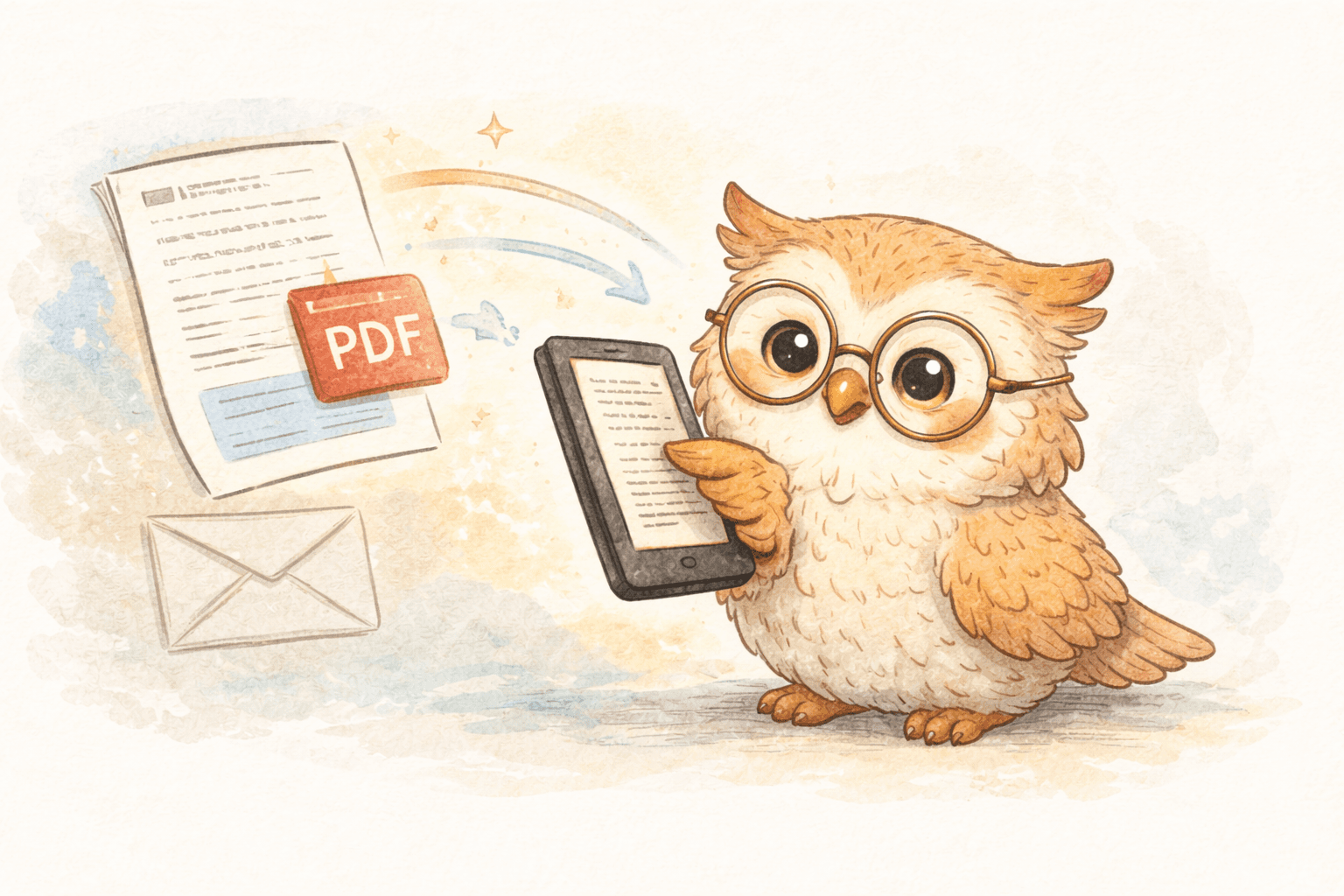
Step 3: Instant Delivery Content appears on your Boox device in under 30 seconds. On Kindle devices, within 1-2 minutes. Not hours later. Not next week. Now.
Step 4: Seamless Sync No cables. No USB connections. No manual file management. Everything syncs automatically through your device's native cloud service.
The entire workflow from "I found something interesting" to "I'm reading it on my e-reader" takes less than two minutes, with your active involvement measured in seconds.
Why This Matters for Actual Usage
This difference between "frictionless" and "somewhat manual" determines whether you actually use the service:
- With friction: You save an article, remember it exists three days later, spend 5 minutes setting it up, and then read it
- Without friction: You save an article, pick up your e-reader 30 seconds later, and it's already there waiting
Which behavior do you think leads to reading more? Which one builds a sustainable habit?
Special Features for Serious E-Reader Users 🎁
Beyond the core functionality, modern e-reader solutions recognize that their users have specific advanced needs:
Research Paper Integration
Academic users can directly import papers from arXiv and medRxiv without downloading and re-uploading them. Browsing a research repository on the web? Save directly to your e-reader.
Knowledge Management Export
All your annotations, highlights, and notes can be exported to popular services like:
- Notion - for building personal knowledge bases
- Google Docs - for collaborative documentation
- Readwise - for spaced repetition learning systems
This creates a complete pipeline from discovery → reading → annotation → knowledge management, all centered around your e-reader as the reading device.
Multiple File Format Support
Whether you're dealing with PDFs, EPUBs, MOBIs, AZW3, RTF, DOCX, Markdown, or plain text, a comprehensive solution should handle all of them seamlessly.
Newsletter Support
Direct newsletter forwarding means that when "The Atlantic" or your favorite Substack writer sends an article, it goes straight to your e-reader, not your email inbox.
Making the Switch: From Abandoned Apps to Consistent Reading ✨
If you've been frustratingly abandoning read-it-later apps, here's how to actually make the transition:
Step 1: Audit Your Current Workflow
Ask yourself:
- How many articles are currently saved in your read-it-later app?
- Of those, what percentage have you actually read?
- How much friction is involved in getting content from saving to your e-reader?
- What content types do you save most (articles, papers, newsletters)?
This honest assessment reveals whether your current solution is truly working or just creating digital clutter.
Step 2: Identify Your Core Use Cases
What's your primary reading scenario?
- Academic: Research papers and technical documentation?
- Journalism: News articles and long-form essays?
- Professional: Work-related documents and references?
- Personal: Newsletters, blogs, and general interest content?
- Mixed: A combination of the above?
Your most critical use case should drive your solution choice.
Step 3: Test with a Clear Purpose
When trying a new e-reader service, don't just add it alongside your existing tools. That creates chaos. Instead:
- Choose a specific time period (2-4 weeks)
- Commit to using the new service as your primary read-it-later solution
- Save the same types of content you normally do
- Track whether you actually read more content
- Measure the time required for the full workflow (saving → delivery → reading)
Step 4: Integrate into Your Actual Workflow
Once you find a solution that works, make it your default. Some practical integration strategies:
For Newsletter Readers: Create a separate email address specifically for newsletter subscriptions, and forward that address to your e-reader service. Everything arrives cleanly on your device each morning.
For Research & Academic Users: Bookmark your e-reader service's content import page. When browsing arXiv or research repositories, save directly to your e-reader as you discover relevant papers.
For Web Readers: Pin the browser extension to your toolbar, so it's always visible and clicking becomes automatic.
For Professional Users: Create a shared folder in your document management system and set up automatic syncing to your e-reader service for all new documents.
Frequently Asked Questions About E-Reader Read-It-Later Services ❓
Q: Won't using a dedicated e-reader service lock me into their ecosystem?
A: Not if you choose a solution designed for openness. Look for services that work with multiple device brands, support standard formats (EPUB, PDF, MOBI), and allow you to export your data. Avoid proprietary systems.
Q: What if I want to keep using my phone for reading sometimes?
A: That's totally fine. Having an e-reader-optimized solution doesn't mean you can never read on your phone. It just means your primary workflow is optimized for your preferred device. The best services don't force you to choose—they support your actual reading habits across devices.
Q: Is it really worth paying for yet another subscription?
A: That depends. If your current setup costs you significant time and mental energy, a low-cost service ($0.99/month) often pays for itself immediately through increased reading volume and reduced friction. If you currently use free services and read consistently, you'll need to evaluate the ROI personally.
Q: What about privacy with a third-party service?
A: This is legitimate. Choose services that use encryption, have transparent privacy policies, and don't monetize user data. Read reviews from privacy-conscious users and check their data handling practices.
Q: Can I export my saved content if I change services later?
A: You should be able to. Look for services that allow bulk exports in standard formats. This provides an exit strategy and prevents vendor lock-in.
The Bottom Line: Building a Reading Habit That Actually Works 📖
The reason e-reader users abandon read-it-later apps isn't because they don't value reading. It's because traditional services were never designed for them.
The solution isn't trying harder to use an incompatible tool. It's finding the right tool for how you actually read.
An e-reader-first solution removes the friction between "I found something interesting" and "I'm reading it on my preferred device." It respects your time by requiring minimal setup. It optimizes for your specific use case instead of trying to be everything to everyone.
When the workflow actually works—when content appears on your device in seconds, beautifully formatted and ready to read—something magical happens: you actually read more.
The articles you saved three months ago stop accumulating in the cloud. The newsletters you're subscribed to actually get read instead of sitting in your inbox. The research papers you discovered get reviewed while they're still fresh.
Your Next Step
If you're an e-reader enthusiast frustrated with traditional read-it-later services, it's worth exploring solutions purpose-built for your actual reading device.
LibSpace offers exactly this: a service designed from the ground up for e-reader users. The 30-day free trial requires no credit card, so you can test whether a truly e-reader-optimized workflow actually changes how much you read.
Because here's what we know: when reading becomes frictionless, people read more. When reading becomes effortless, it becomes a habit.
Your e-reader already provides the perfect reading experience. Shouldn't your read-it-later service be optimized for that, too?
Try it out. Save something you've been meaning to read. Watch it appear on your device in seconds. Then pick it up and actually read it.
That simple experience—articles that appear where and when you want them—might be exactly what's been missing from your reading life all along.
Have you struggled with read-it-later services as an e-reader user? What's been your biggest frustration? Share in the comments—I'd love to hear about your reading workflow.
Darcy Reno
Founder of LibSpace. 25+ years in technology leadership across the media and entertainment industry — including roles at Constellation Software, Electronic Arts, and Technicolor, and working alongside studios like DreamWorks Animation, Disney, and Nickelodeon. A passionate reader, Darcy built LibSpace to bridge the gap between online content and e-readers, with a focus on long-form articles, research, and journalism.
Try LibSpace Free for 30 Days
Send articles, documents, and web pages to your e-reader in seconds. No credit card required.